

— Website Design —
Chameleon
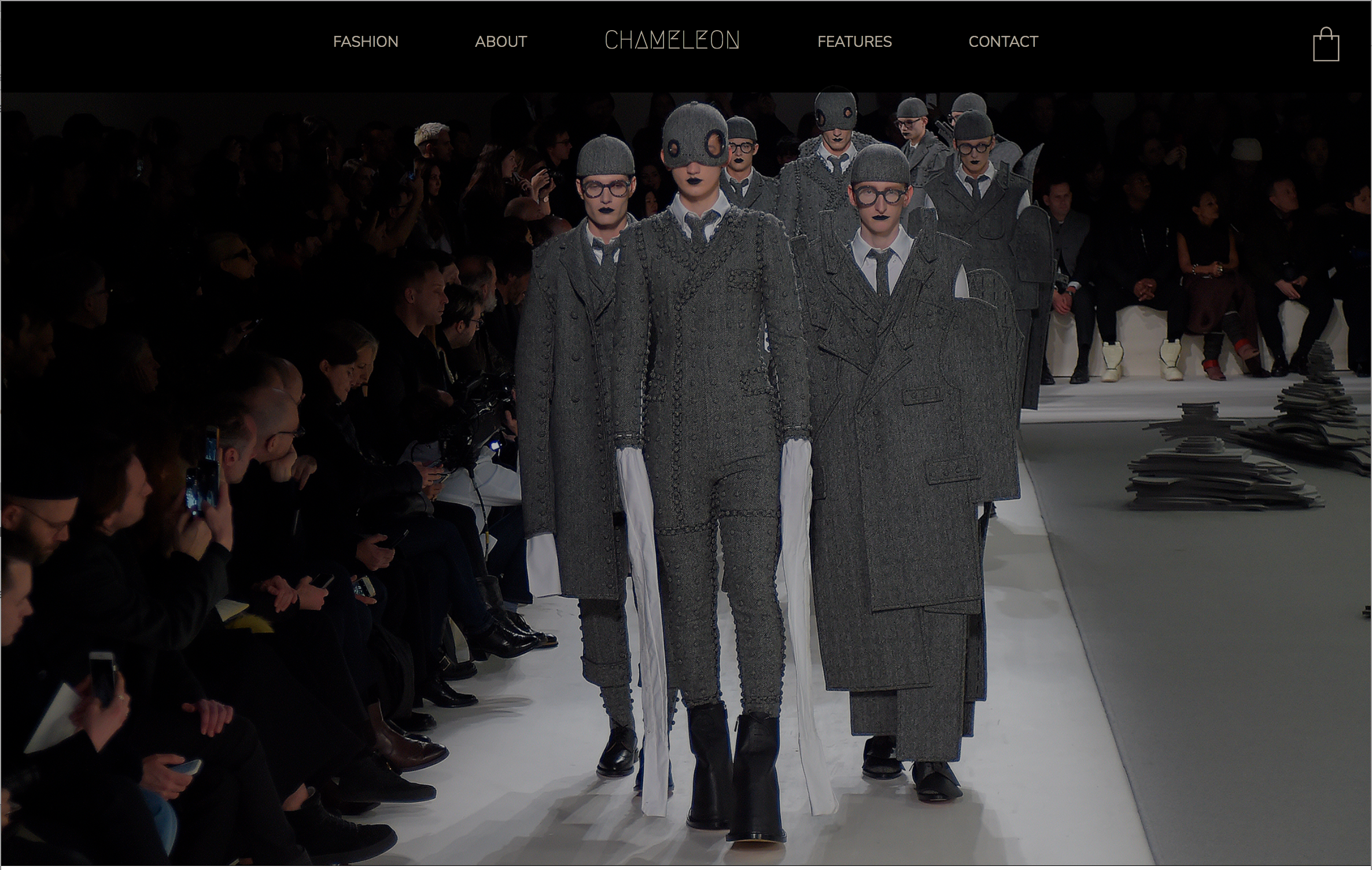
Standing Out While Blending In
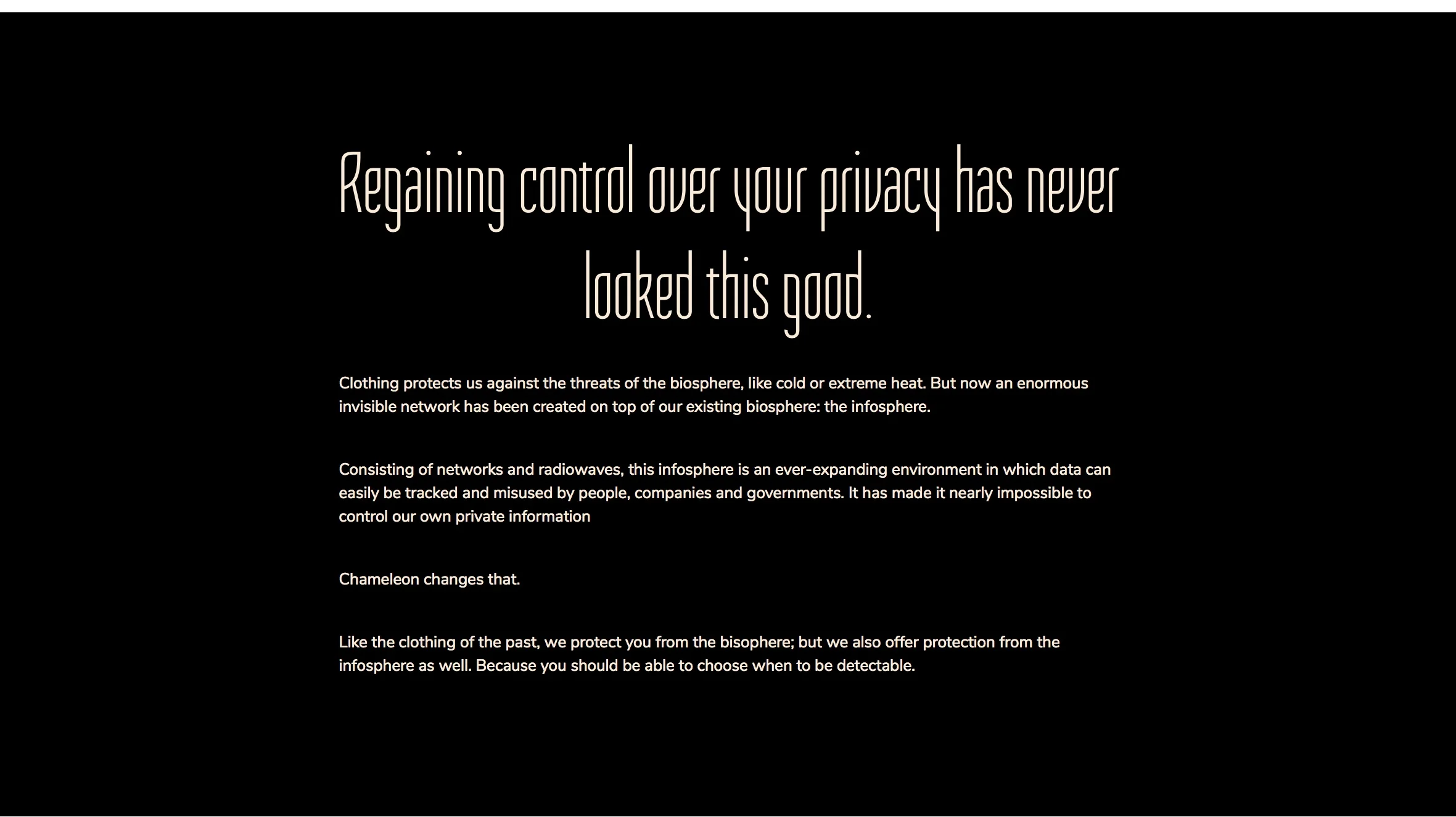
I first became interested in the idea of stealth wear in 2012 while conducting research on hacking. That’s how I first stumbled upon CV Dazzle and Adam Harvey’s Stealth Wear which “uses fashion to address the rise of surveillance, the power of those who surveil, and the growing need to exert more control over privacy.”
Adam Harvey is still around (he collaborated with Hyphen-Labs in 2016 and more garments are apparently forthcoming), but he’s no longer alone. Others (Stealth London, Kovr, Fabrica) are also helping us think about what the future may look like.
Chameleon imagines that future is now.
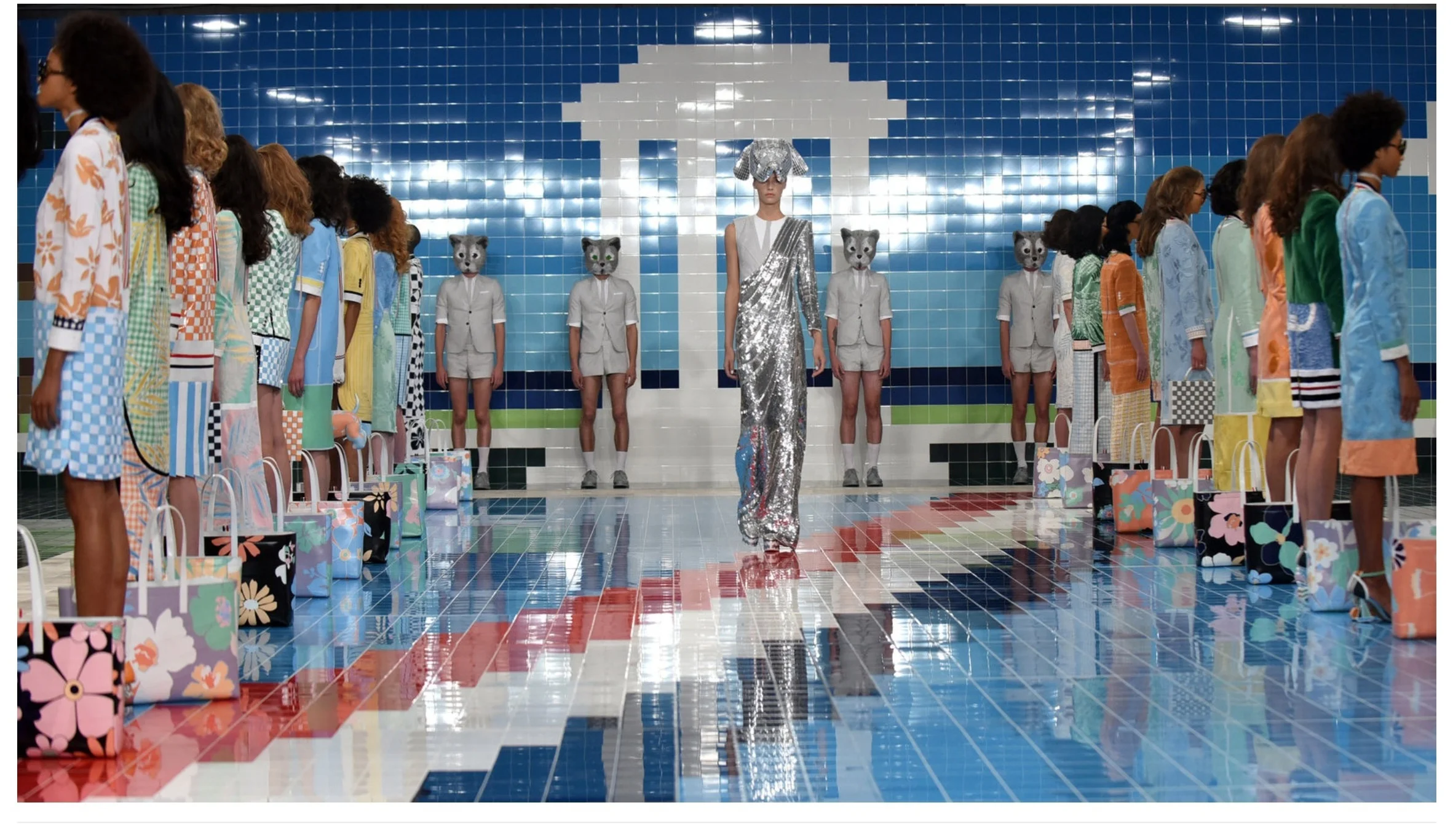
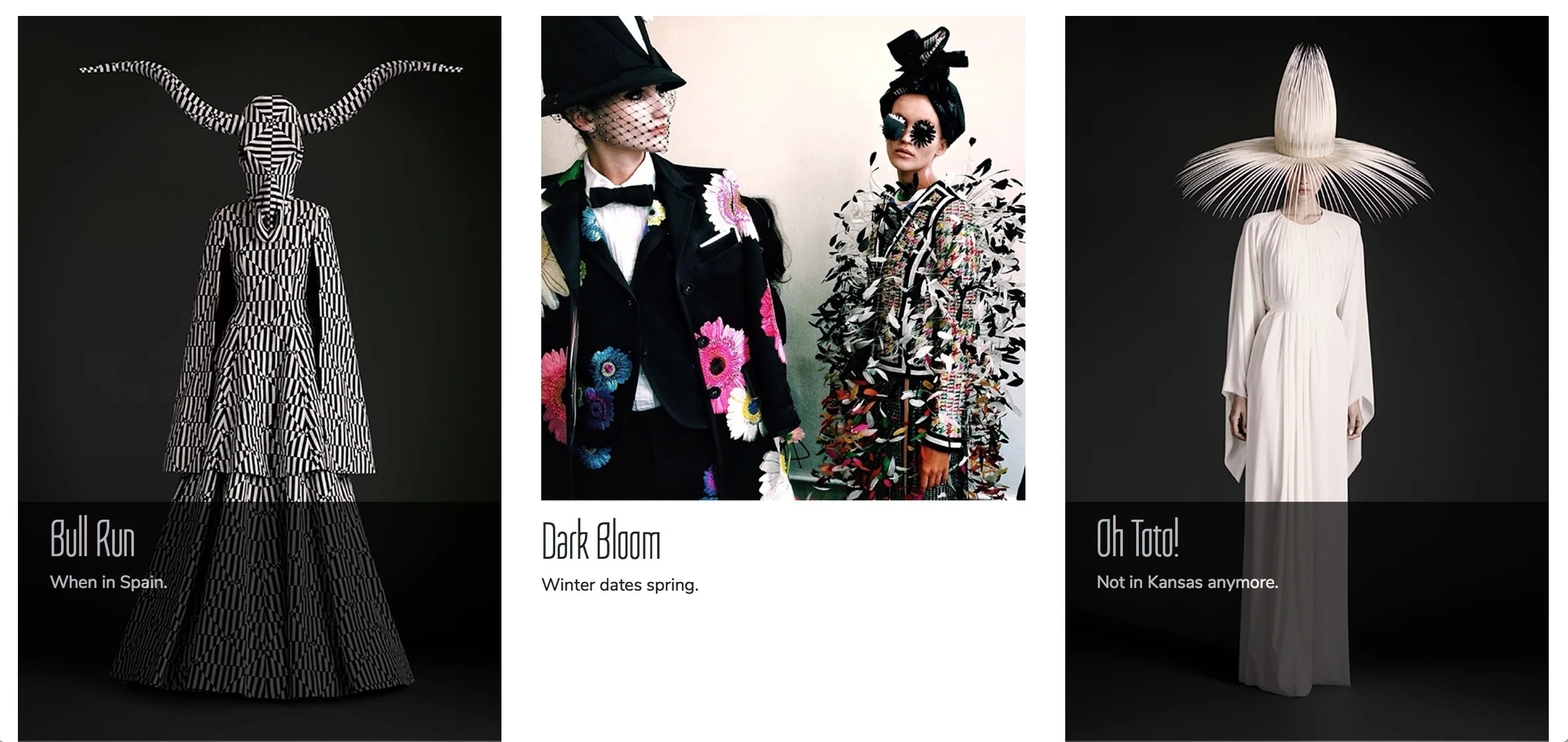
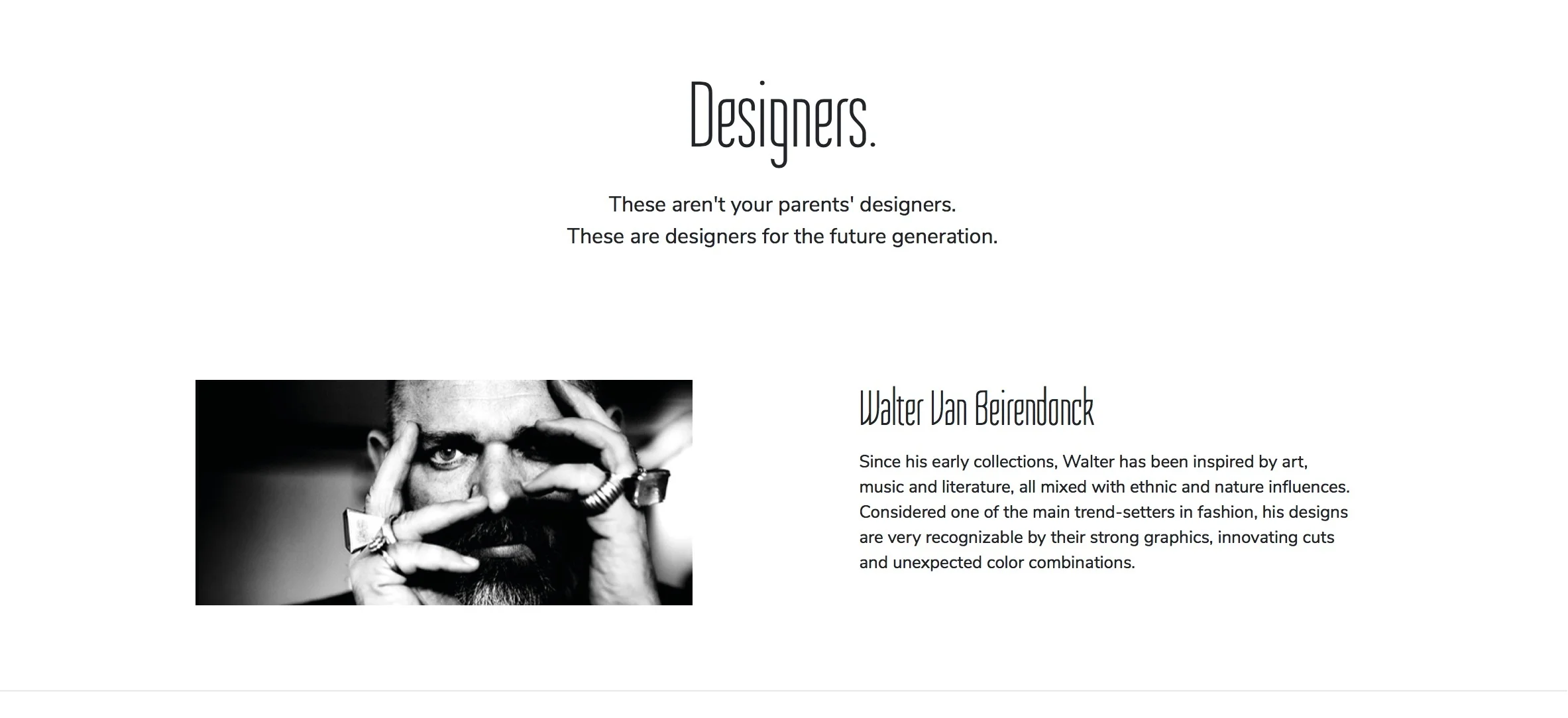
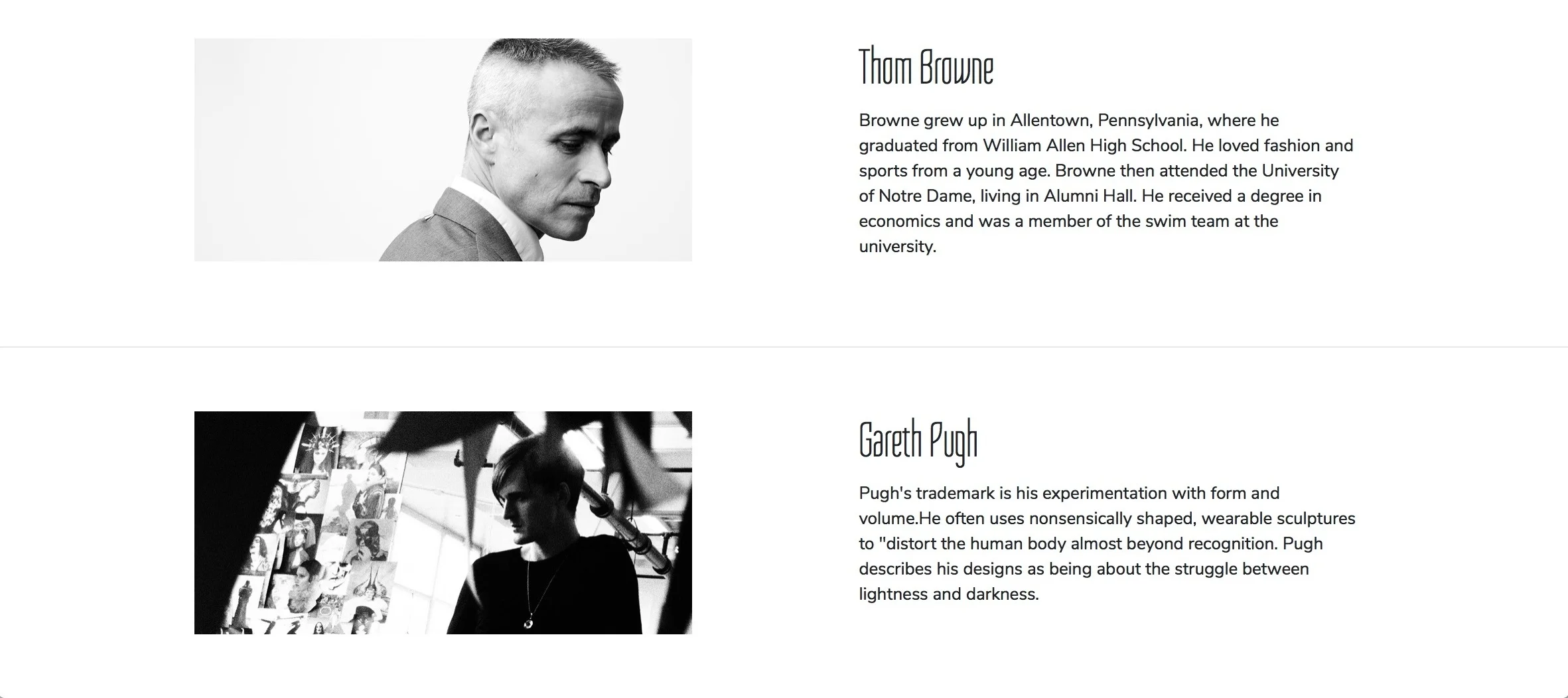
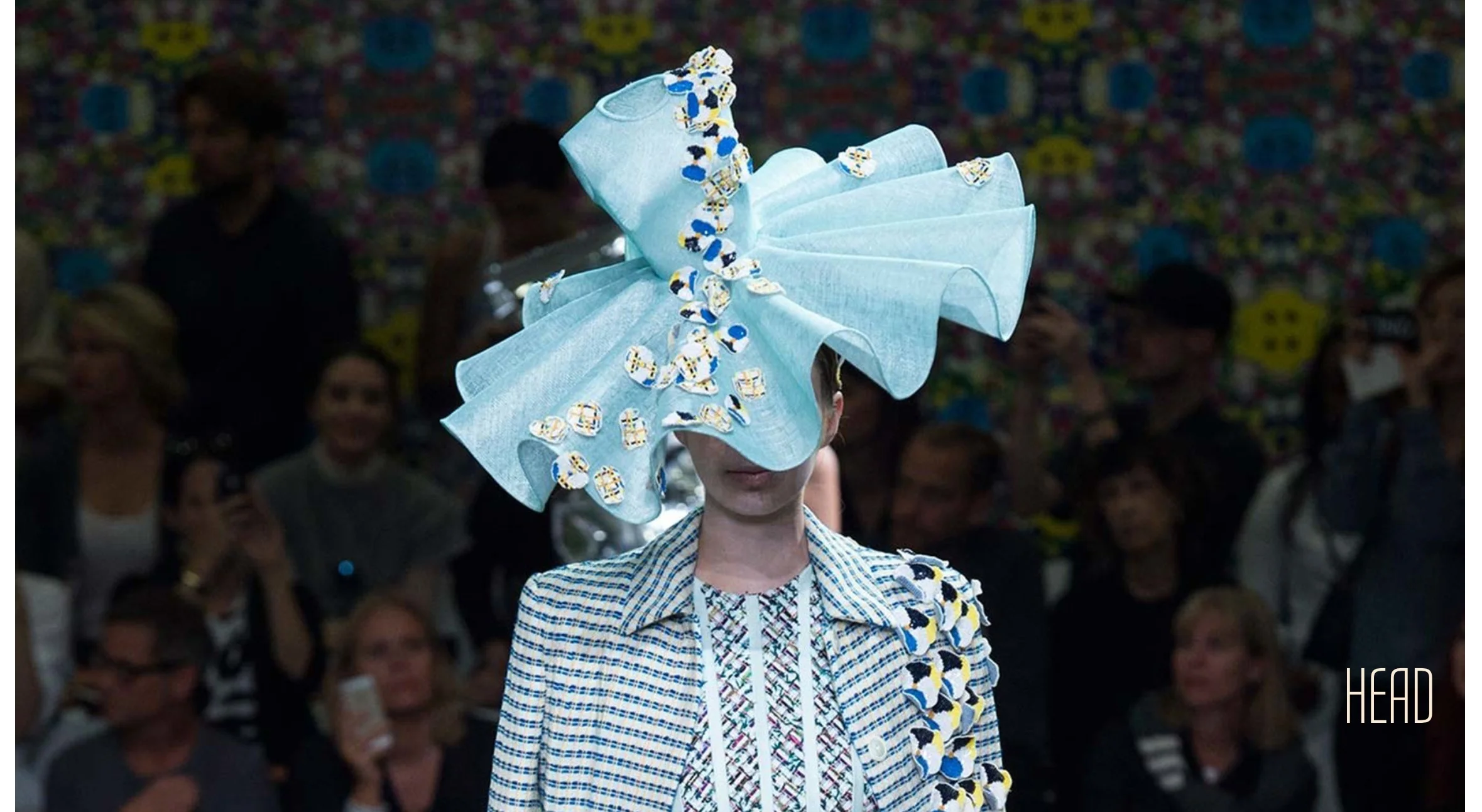
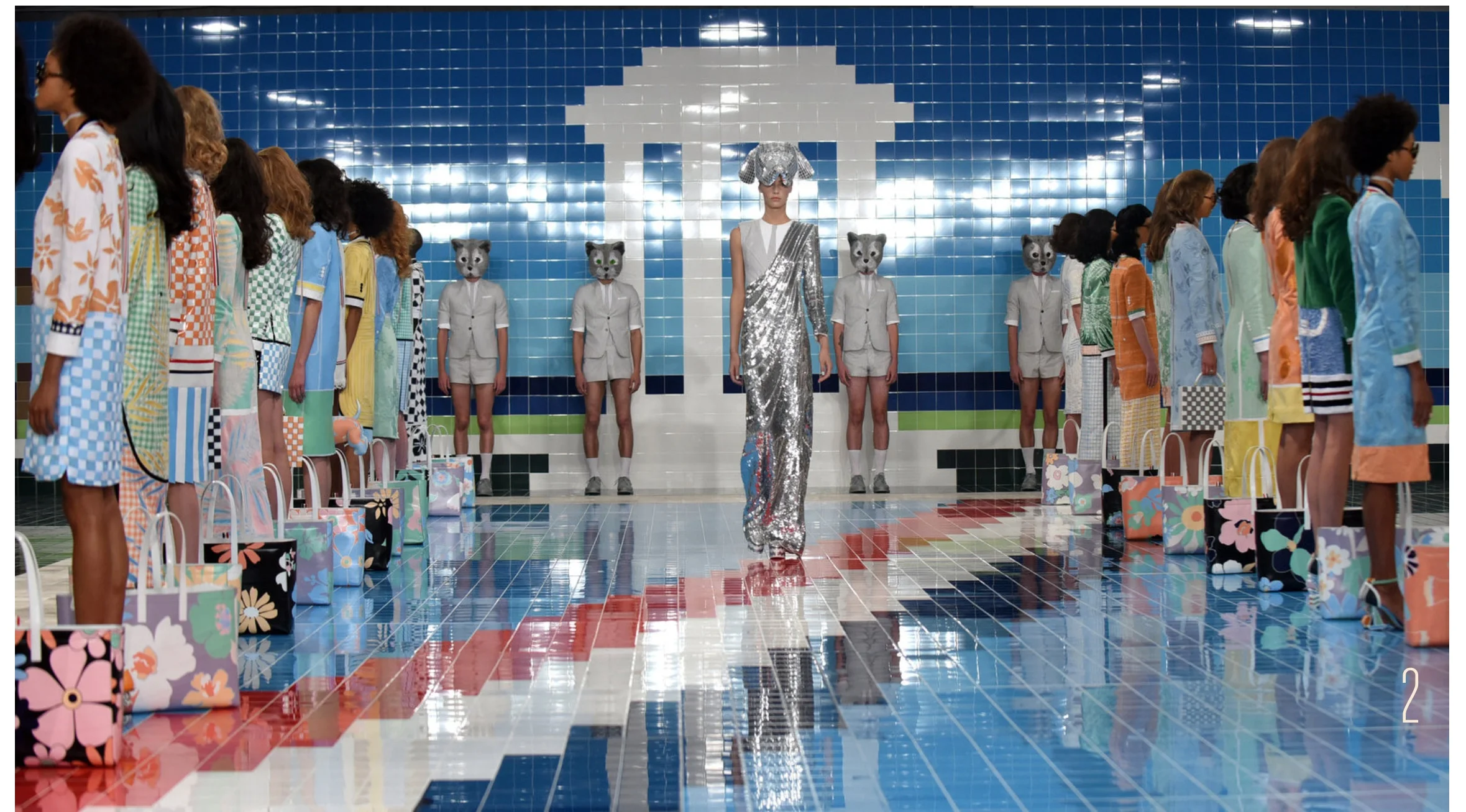
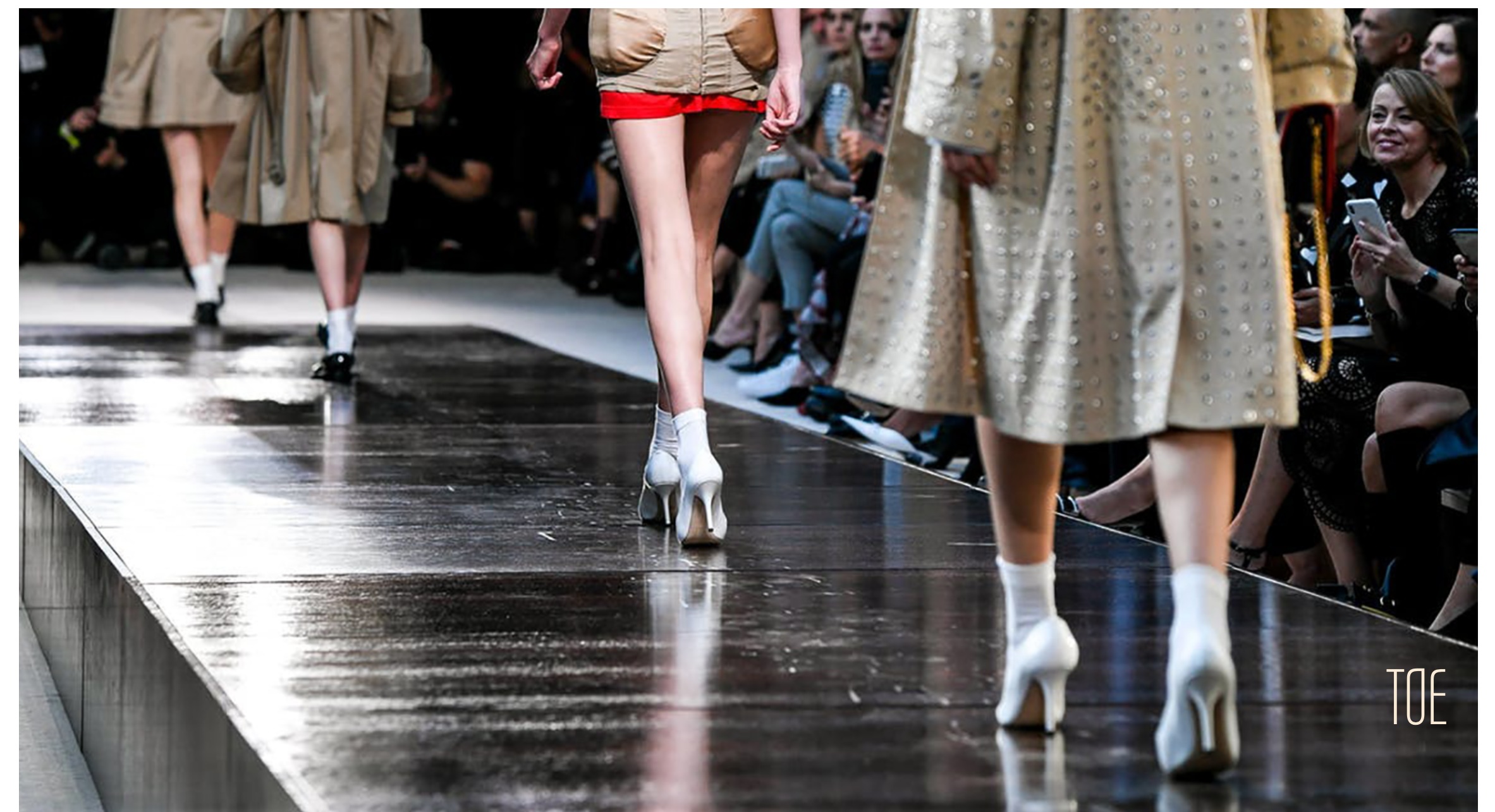
In a sort of tongue-in-cheek way, the website (which uses Bootstrap, Javascript, CSS, and HTML5) greatly backgrounds the “stealth” aspect while foregrounding its high fashion, alluding to a world where anti-surveillance has become normalized. And by mimicking current high fashion sites (Gucci, Dolce & Gabbana, Prada) while utilizing contemporary fashion images from Walter Van Beirendonck, Thom Browne, and Gareth Pugh, Chameleon’s design makes as much of a statement about our future as it does about our present.
Home Page

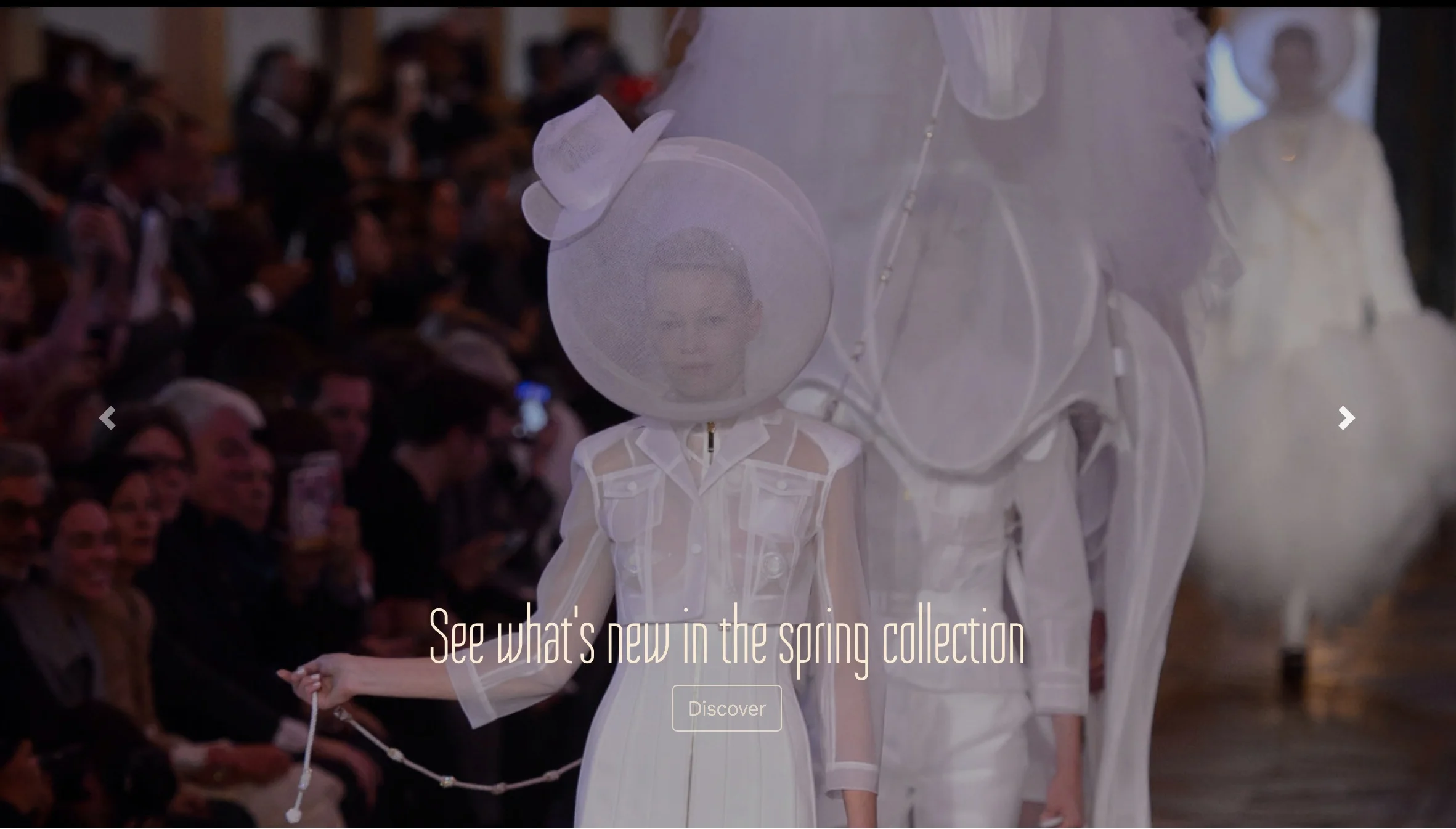

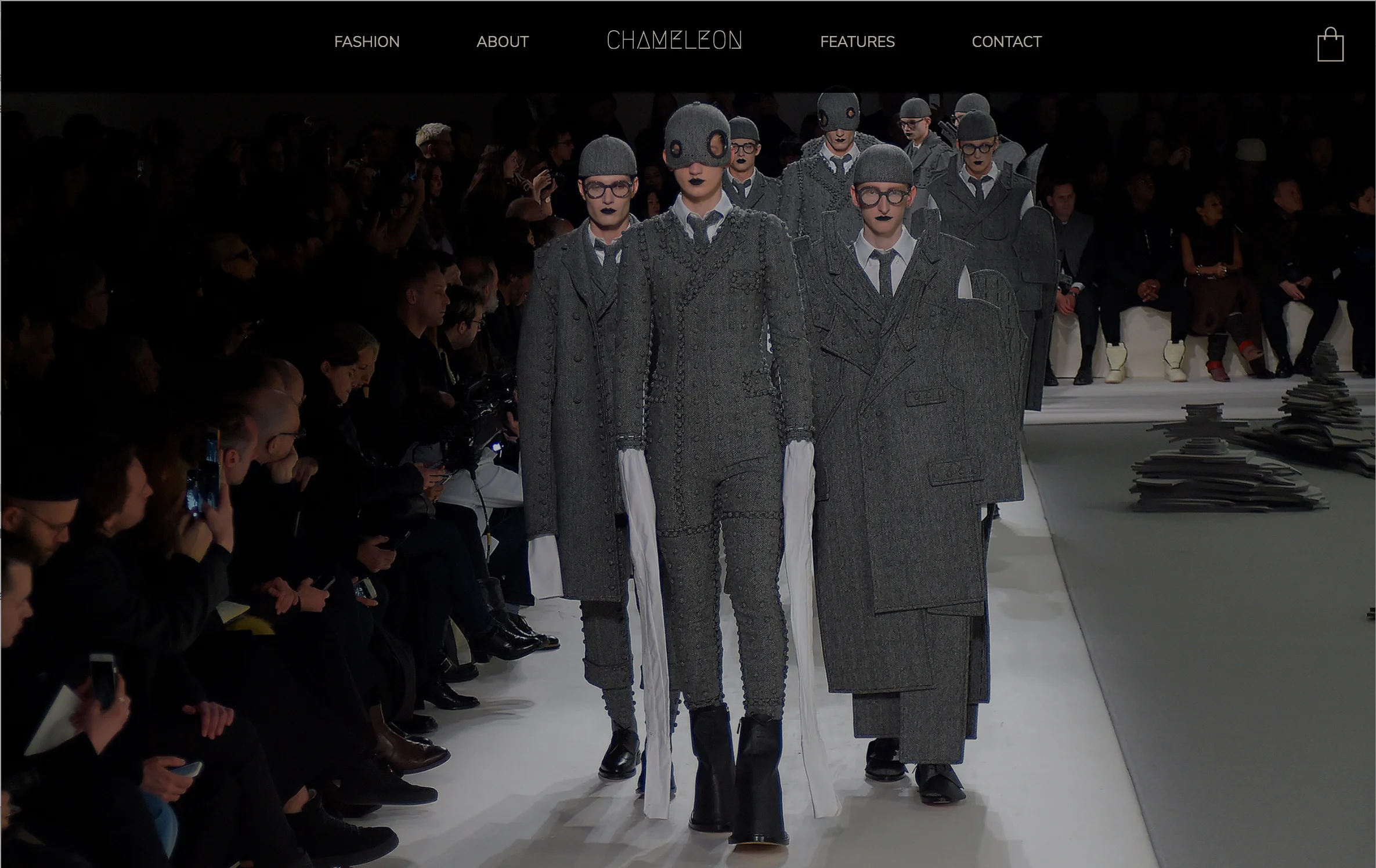
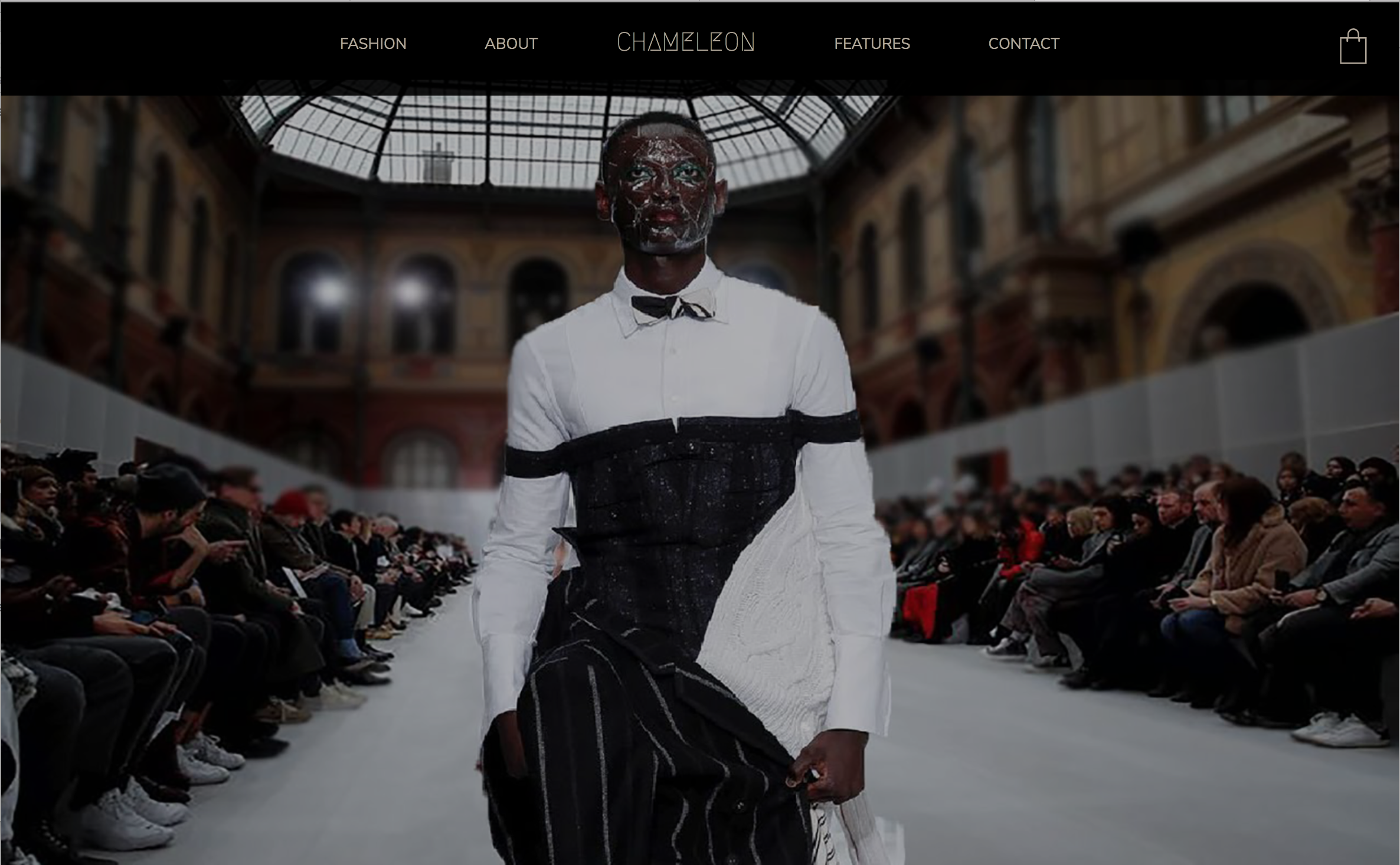
The tagline “Standing out while blending in” perfectly fits Chameleon’s concept: spotlighting high fashion and haute couture while hinting at its ability to “hide” users from technology. Taking this one step further, the “me” in “Chameleon” fades back on the Home page, visually conveying that concept as well.

Fashion Page

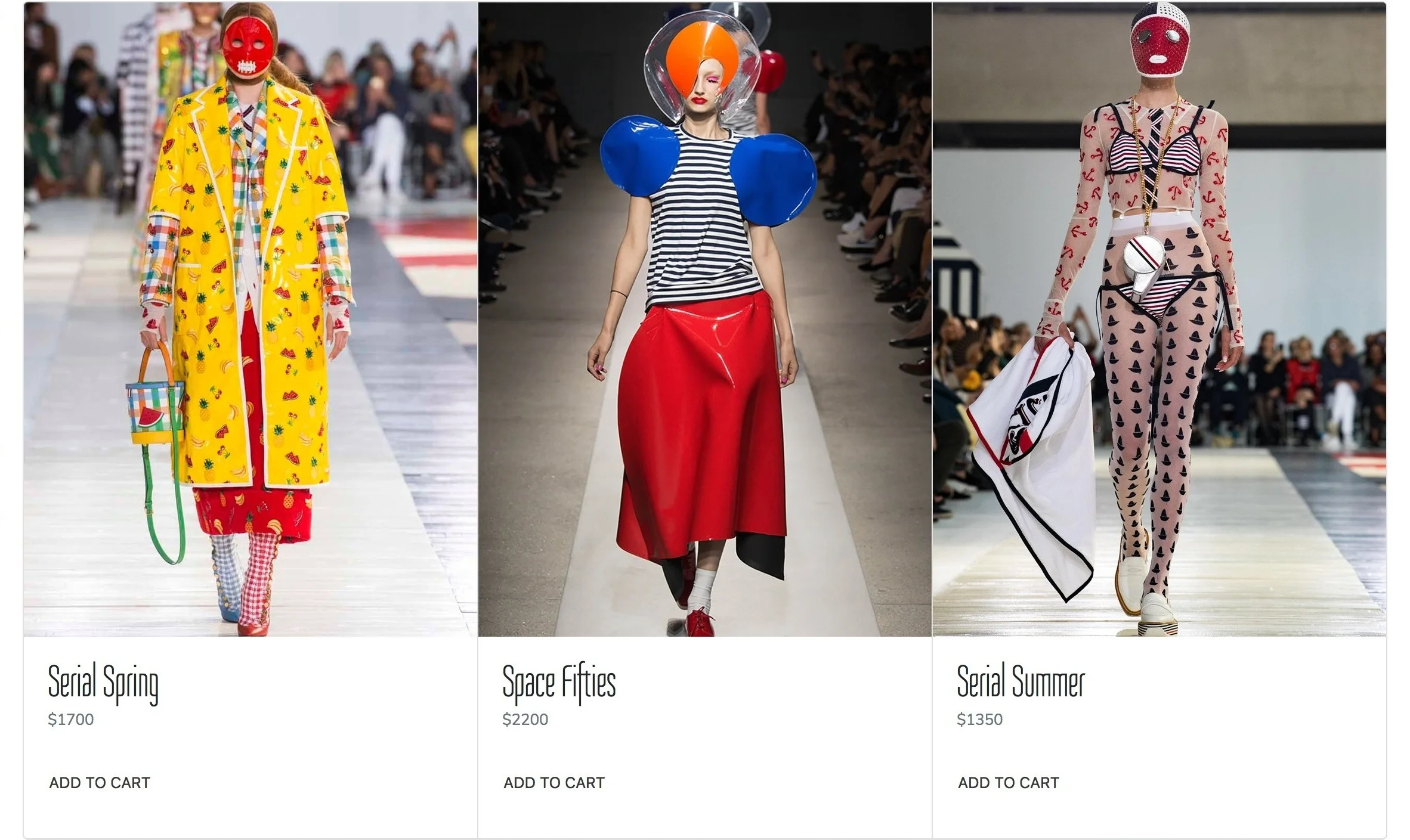
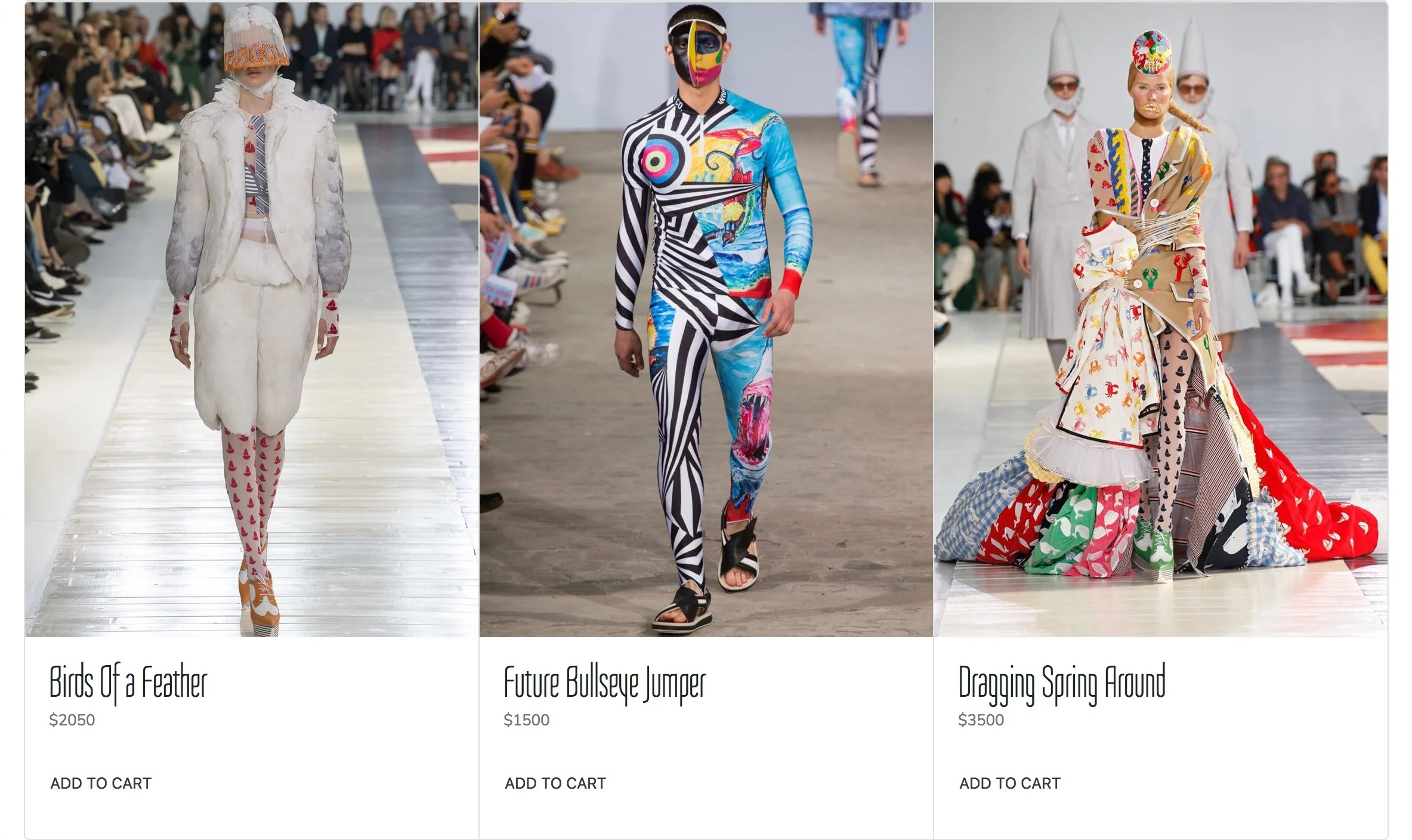
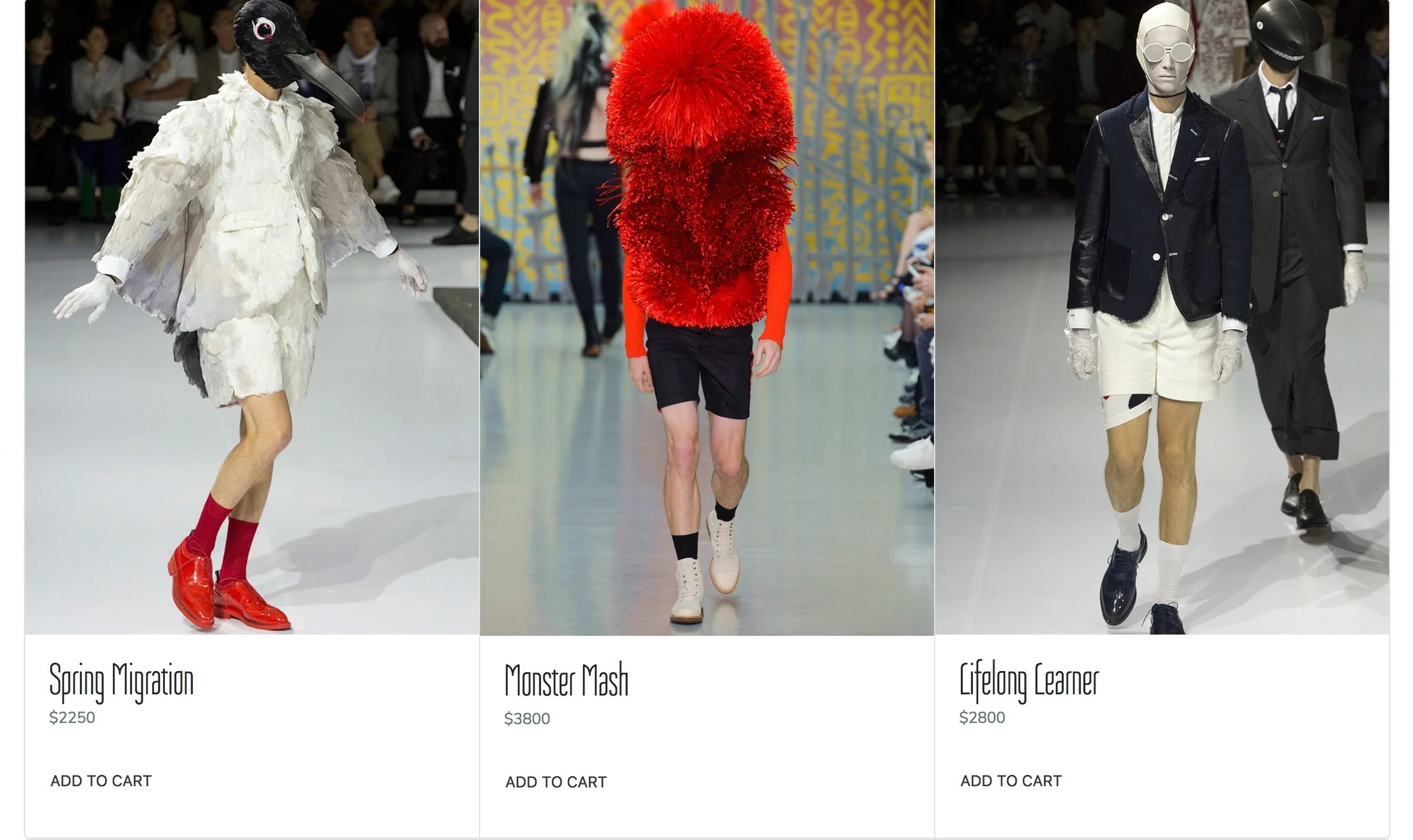
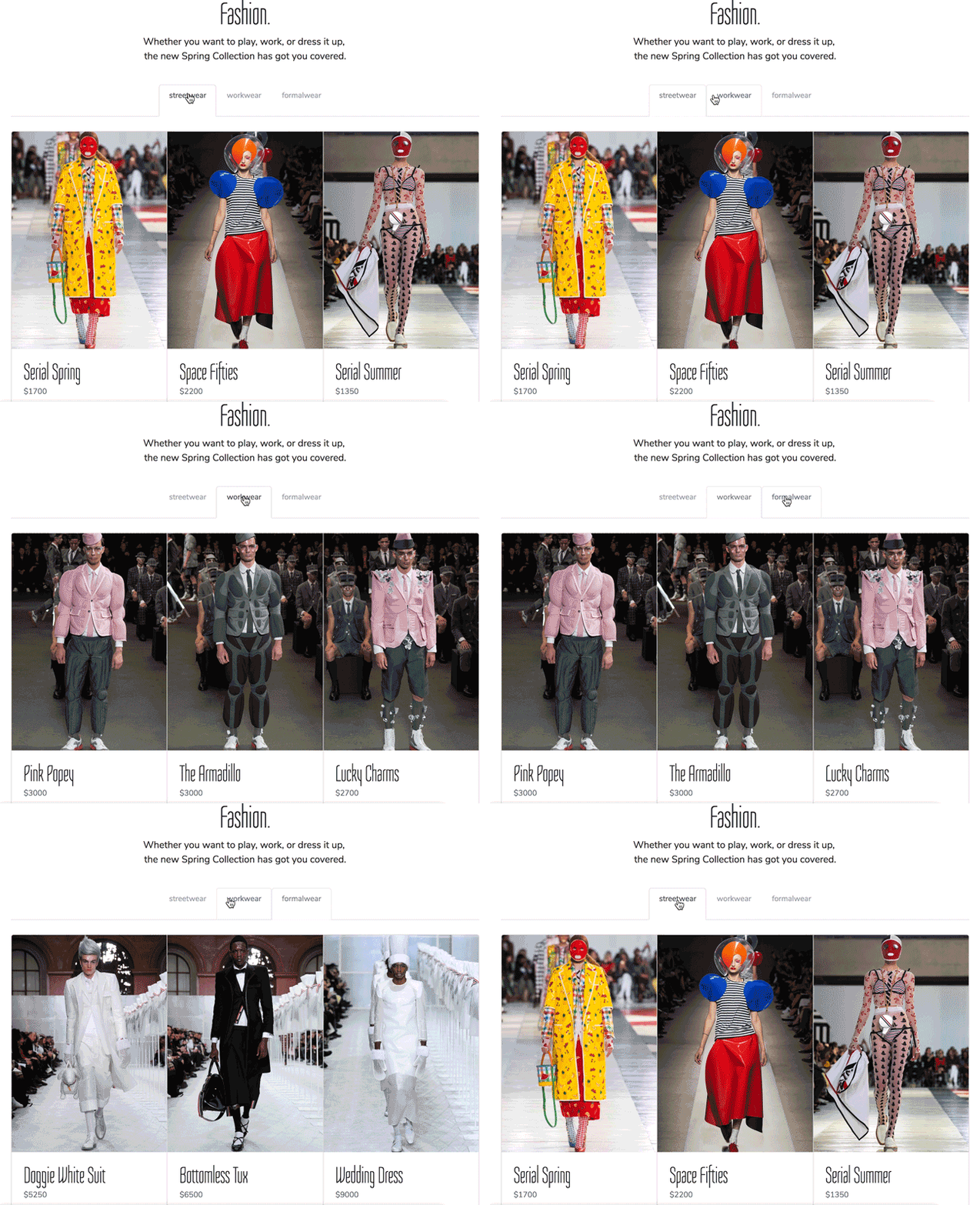
Modifying Bootstrap’s tabbed navigation, the Fashion page can easily separate the three clothing categories without forcing users to either load a new page or scroll too long down the page.
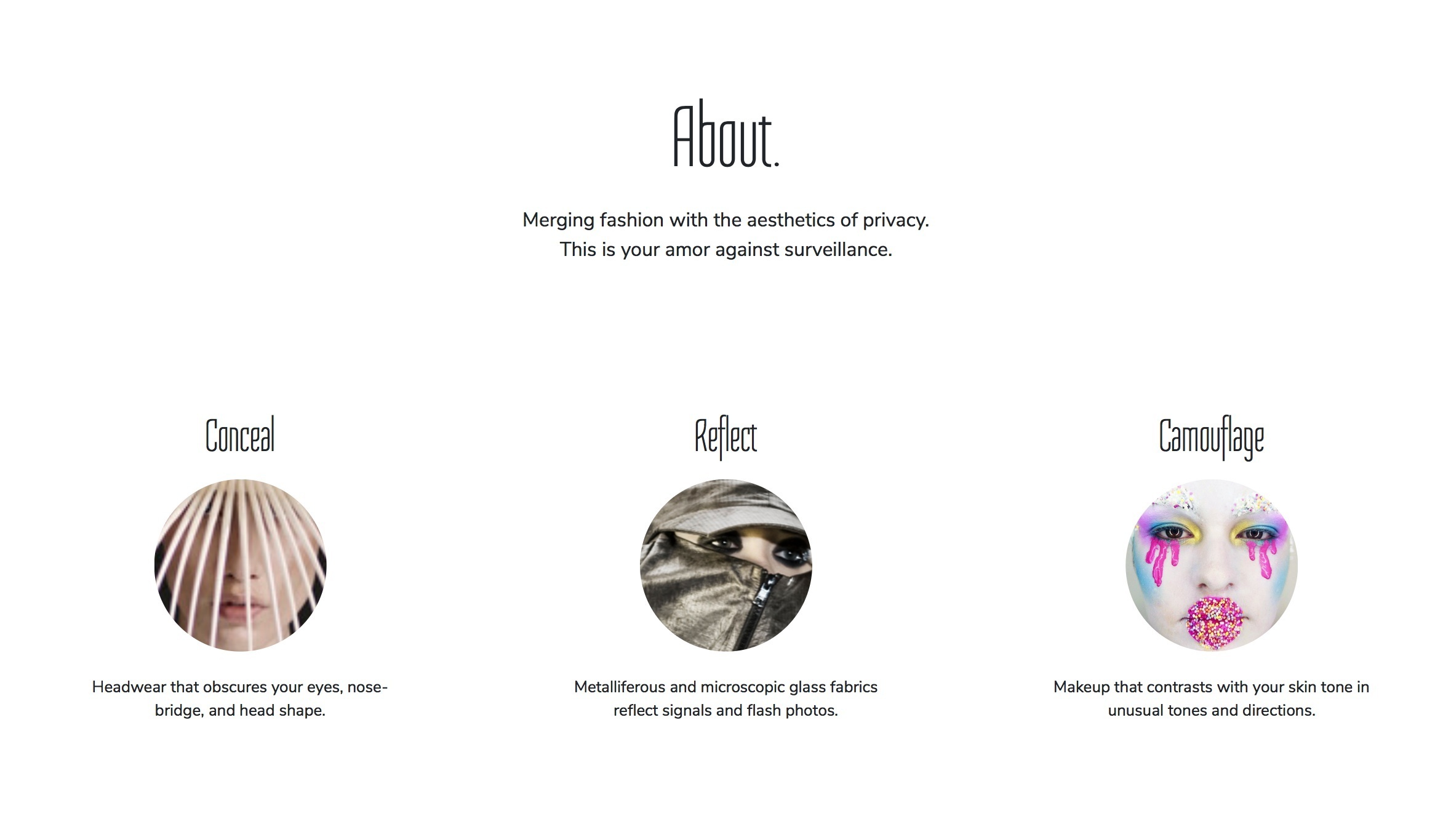
About Page
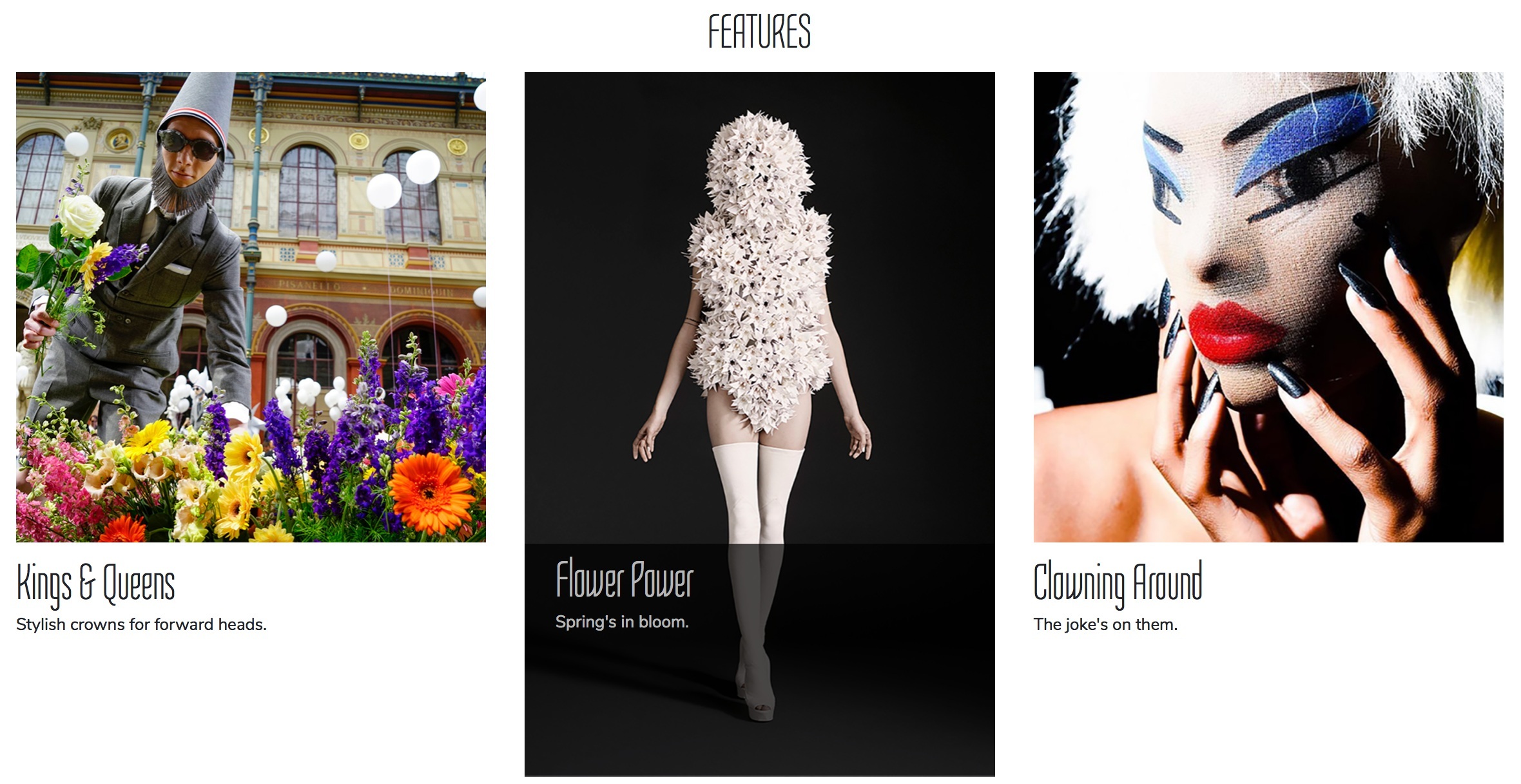
Features Page
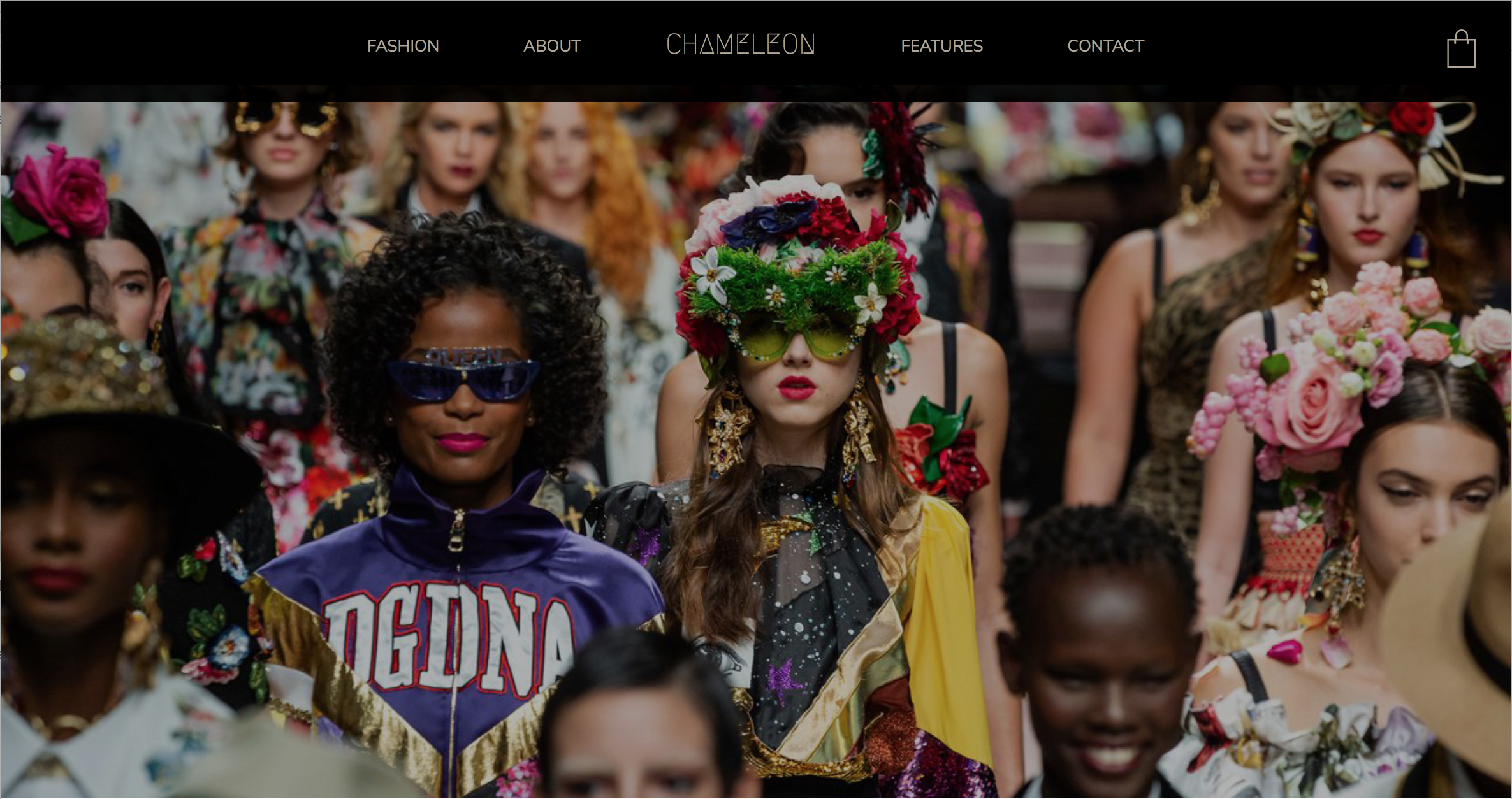

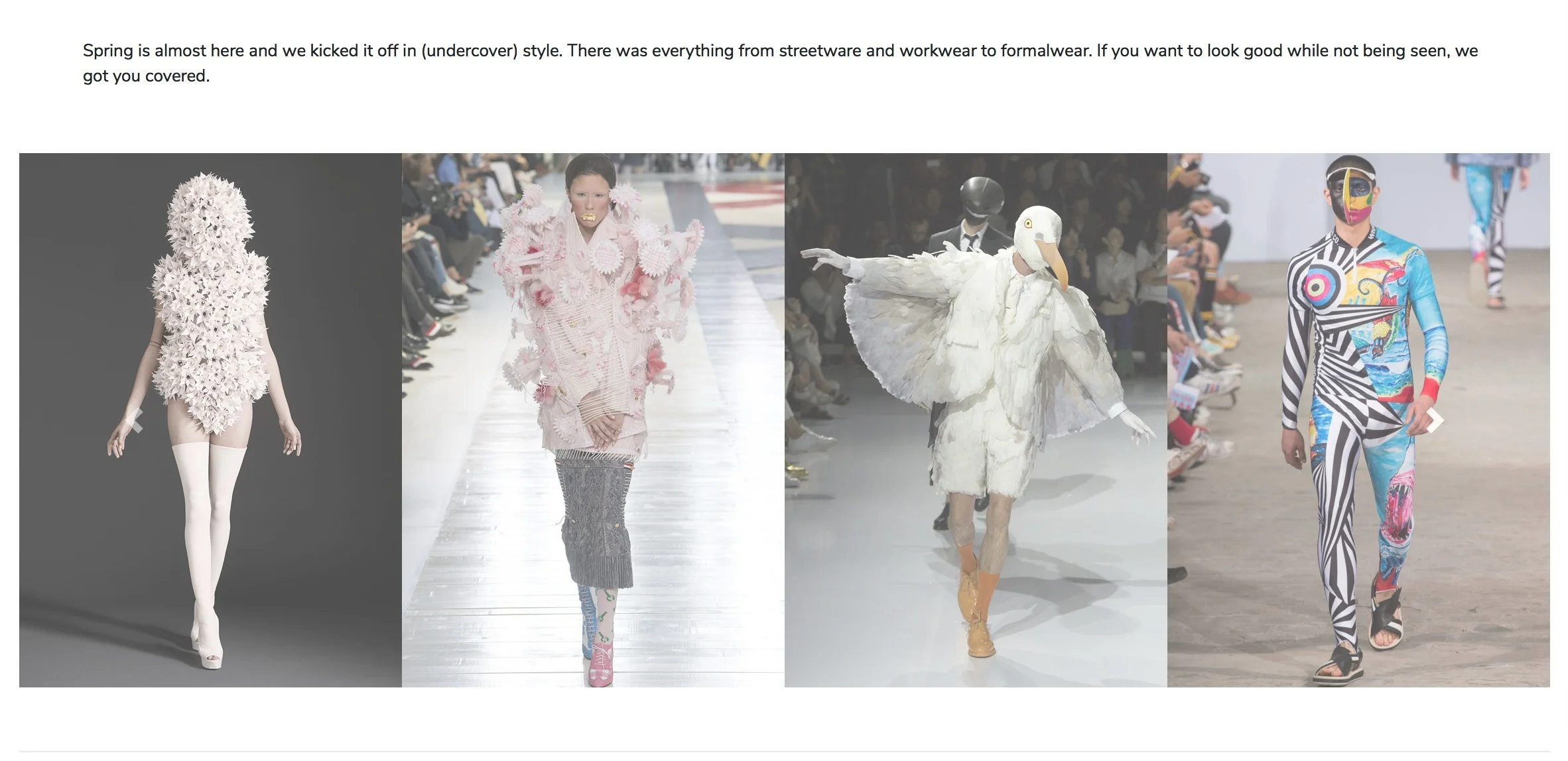
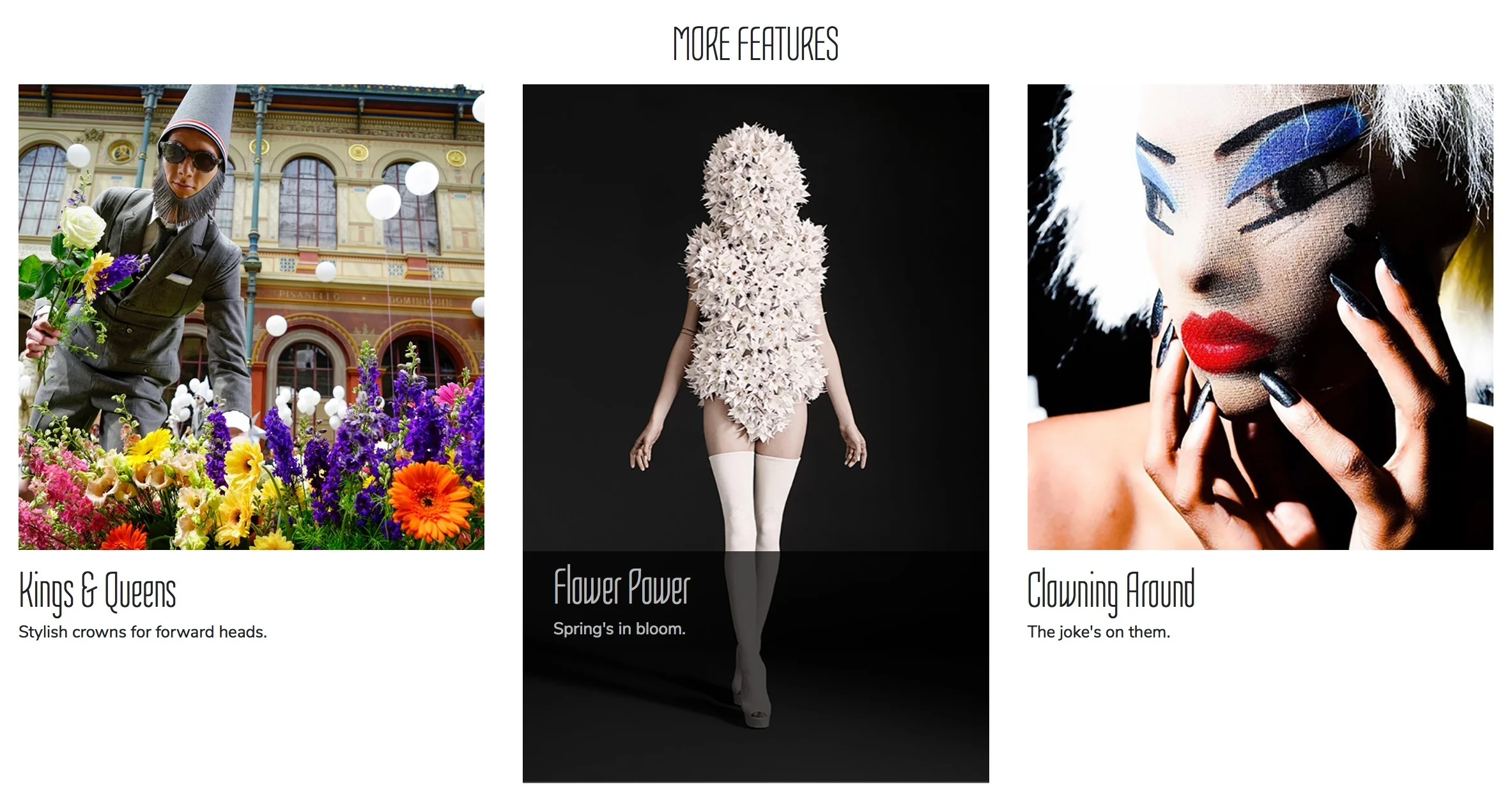
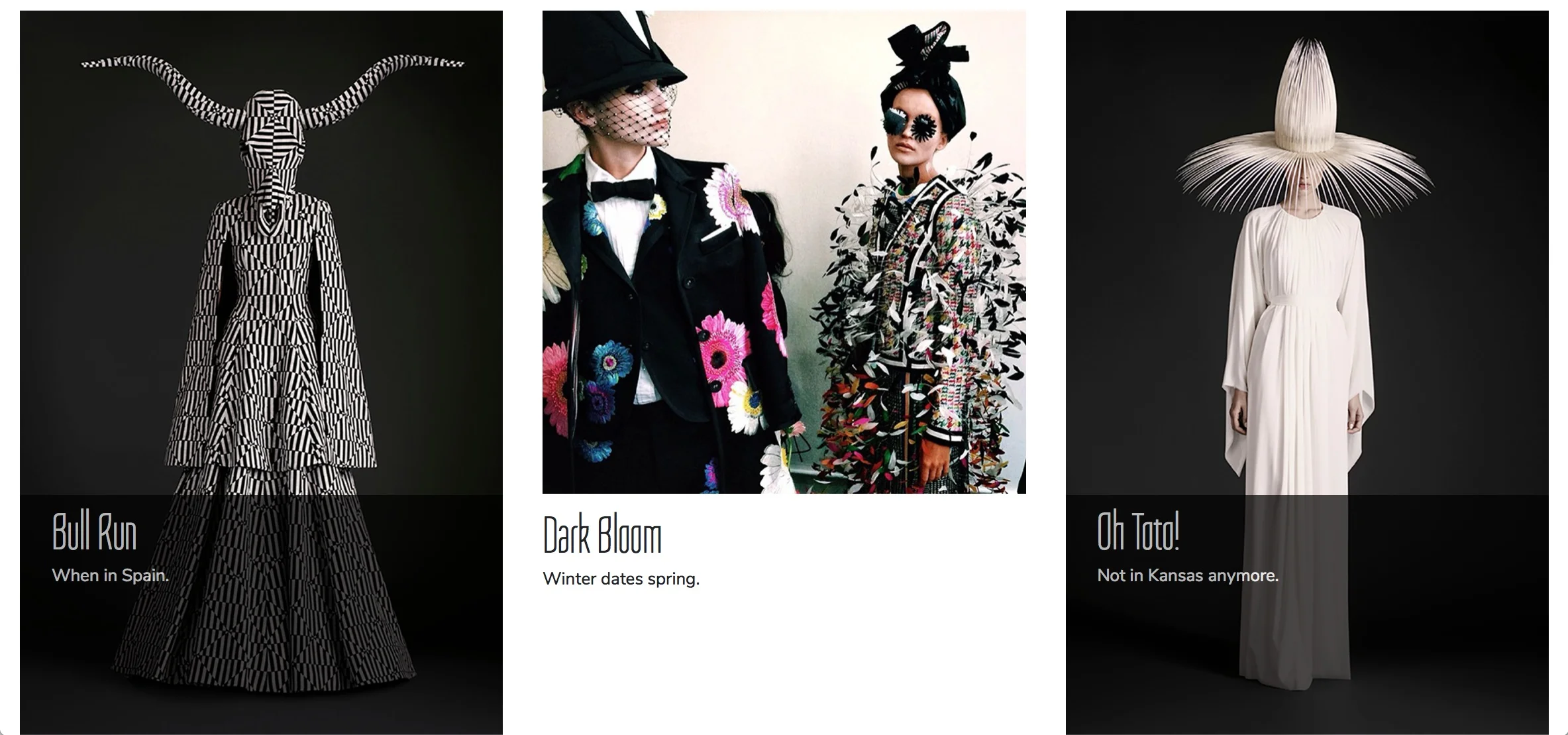
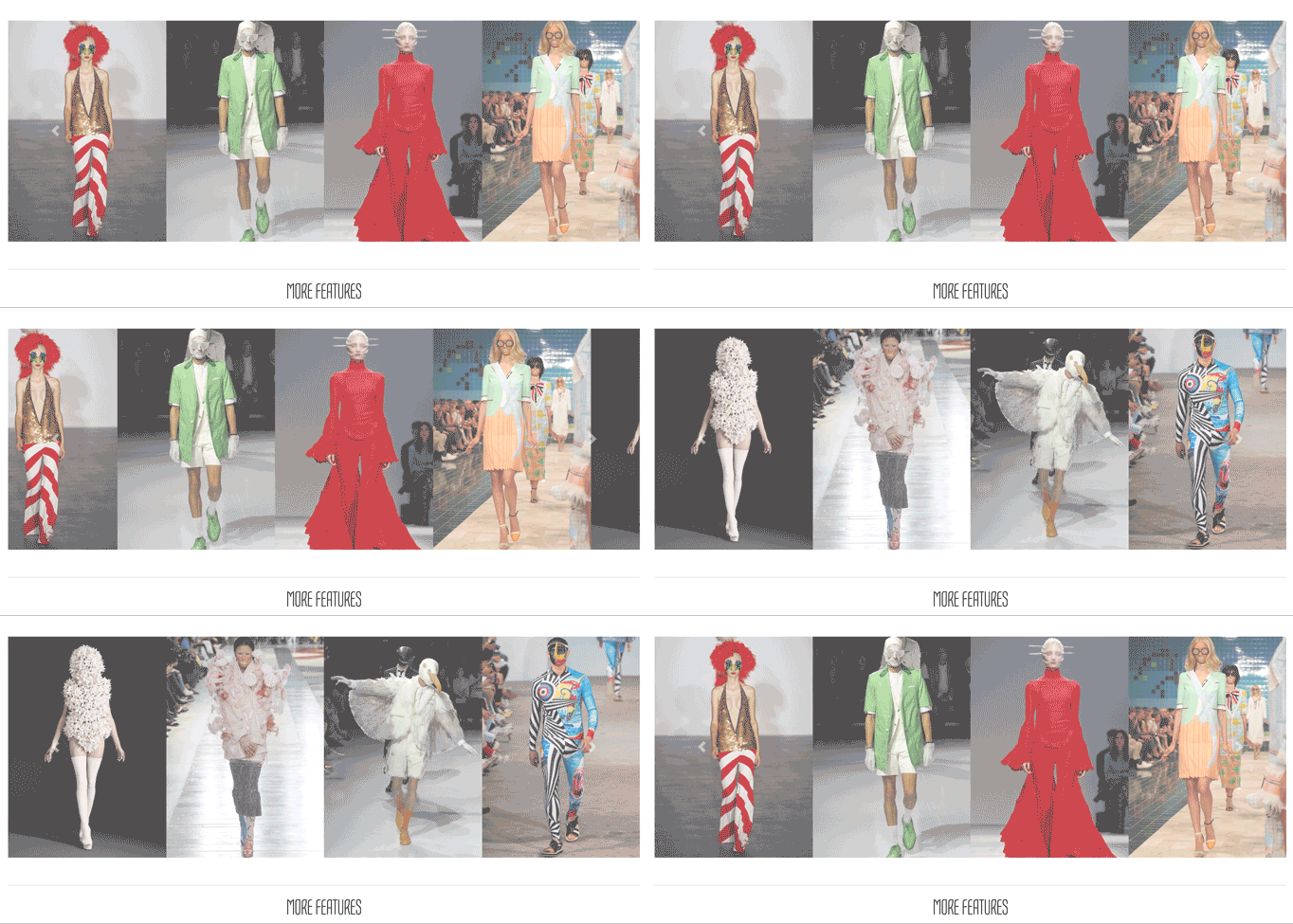
A carousel quickly shows items from the new Spring collection while also allowing the ability to click through to the actual product items.
Contact Page
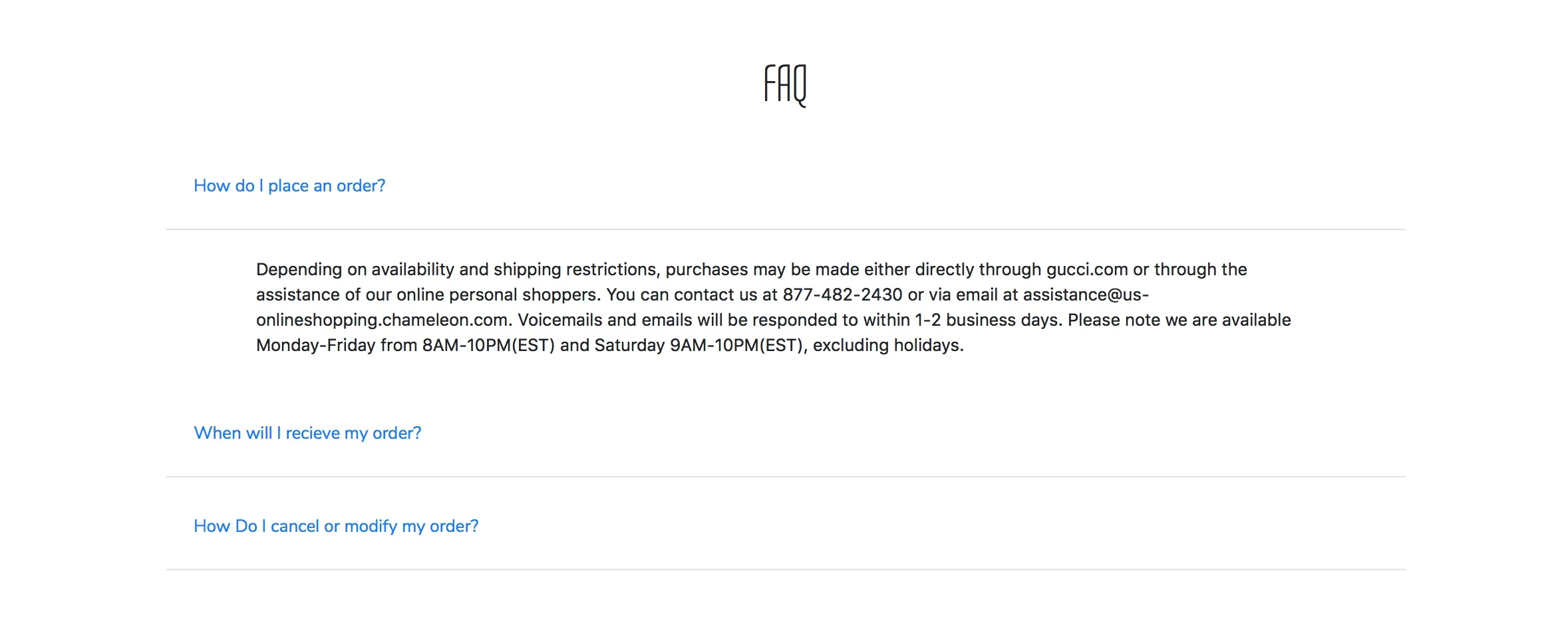
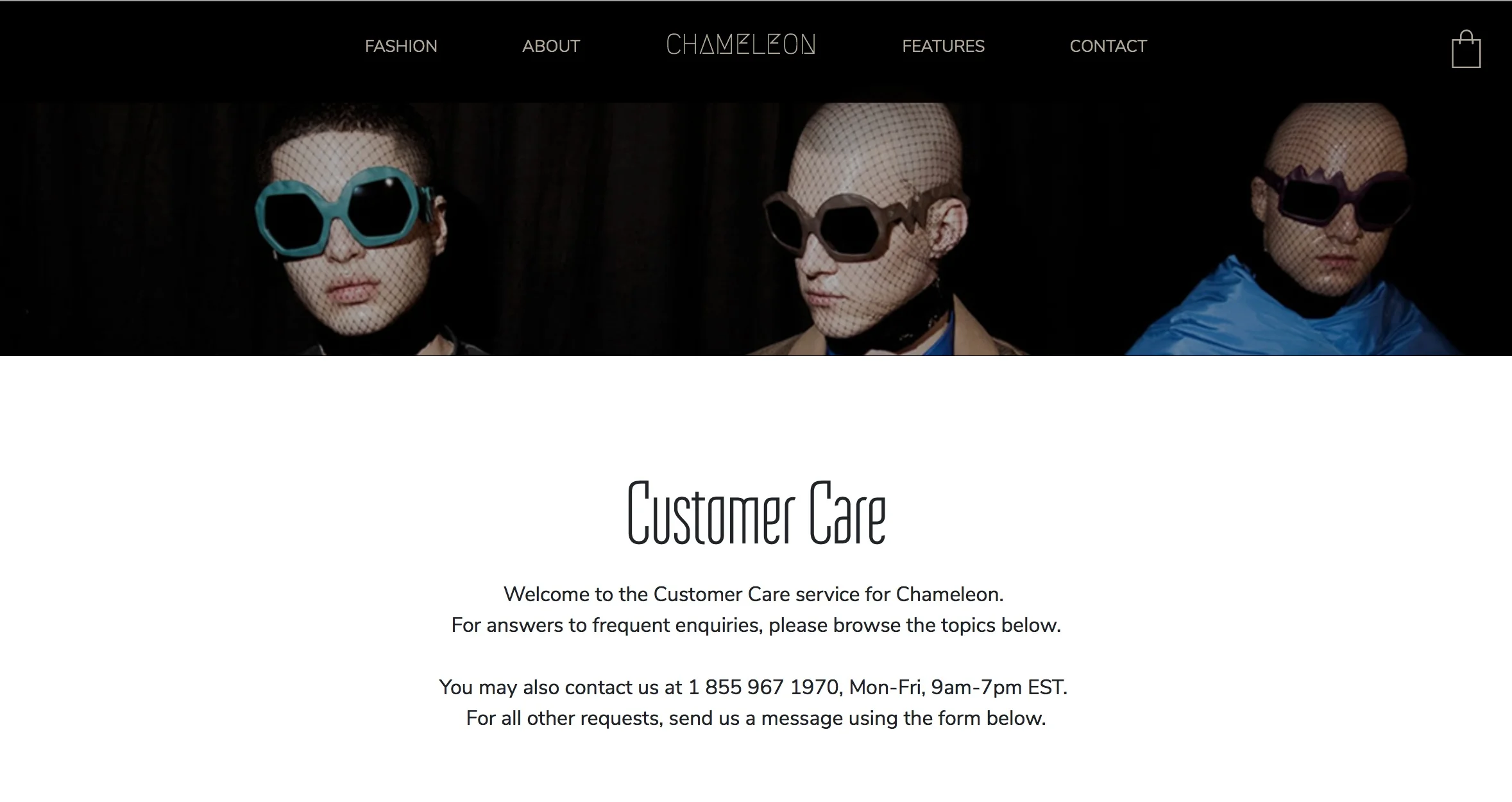
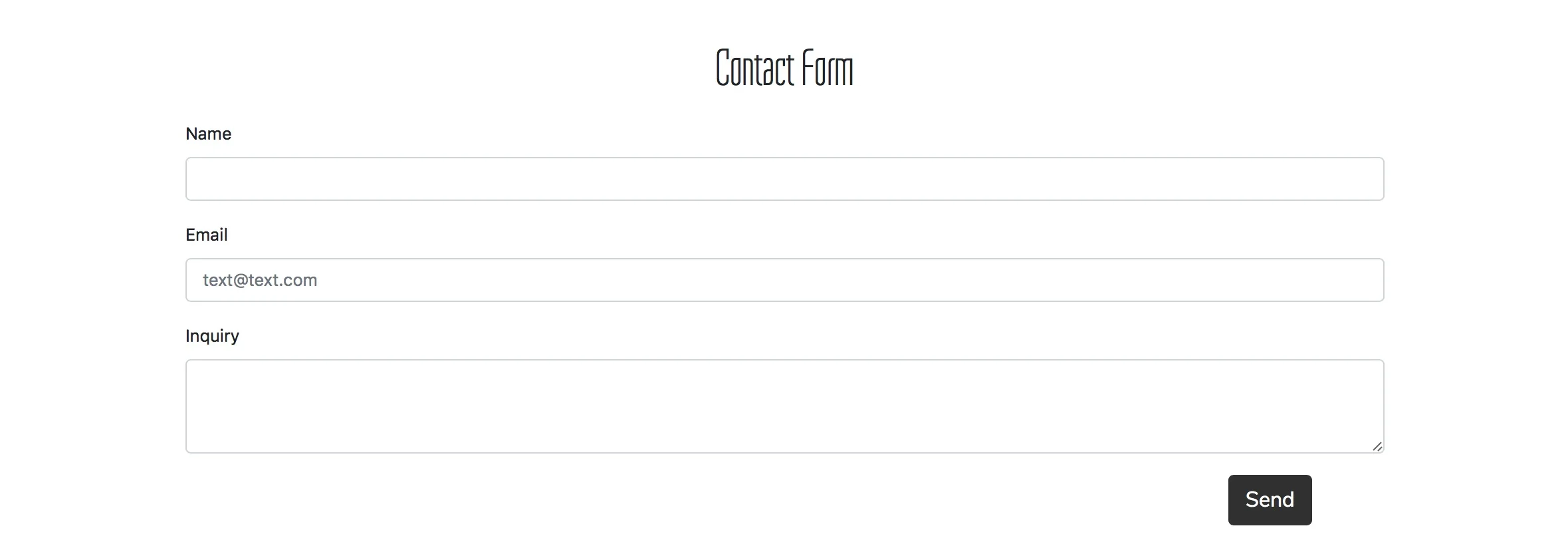
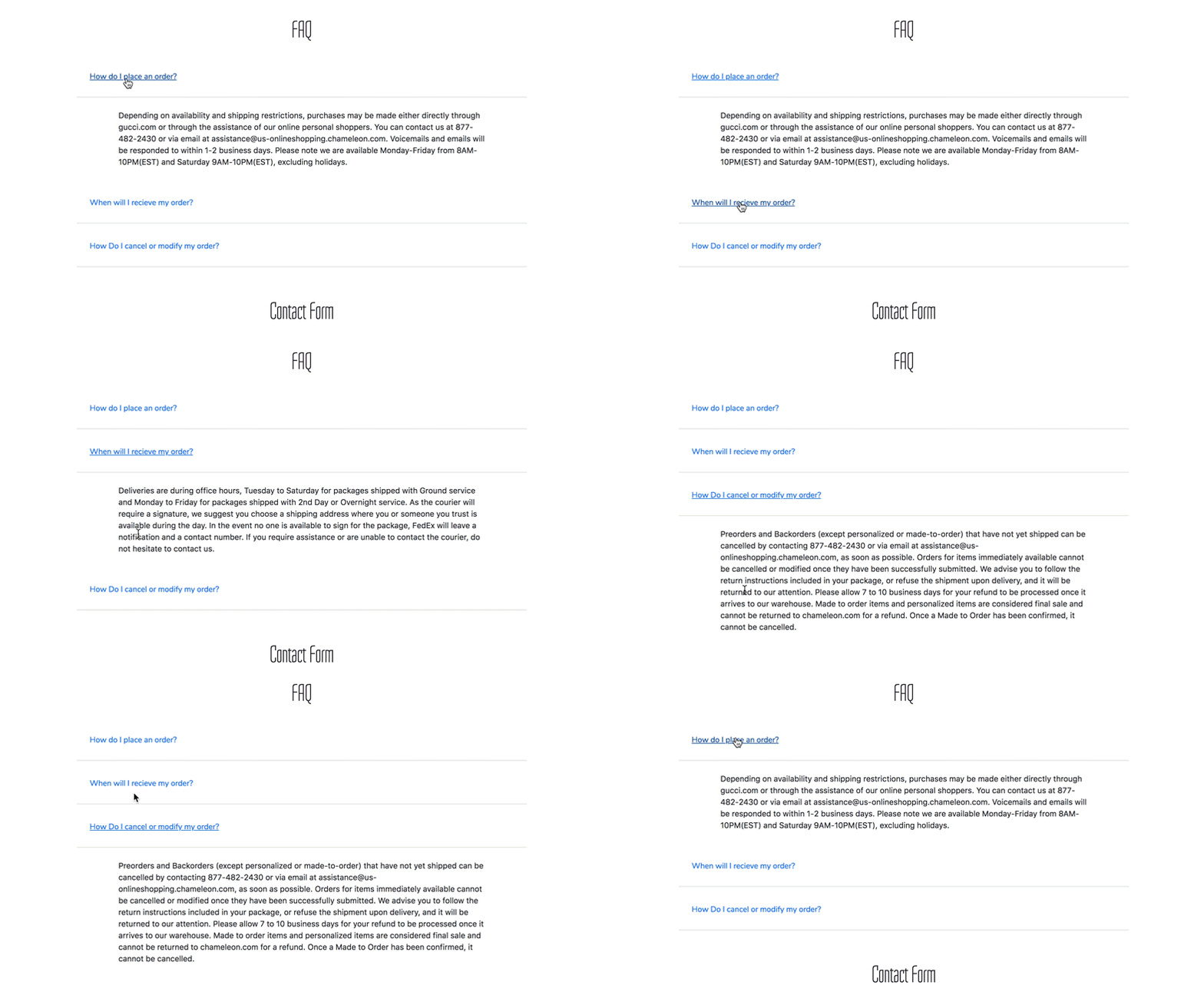
Using a collapsible accordion group reduces the amount of visible text, allowing users to quickly scan the FAQ topics or easily scroll past them if desired.
Shopping Bag
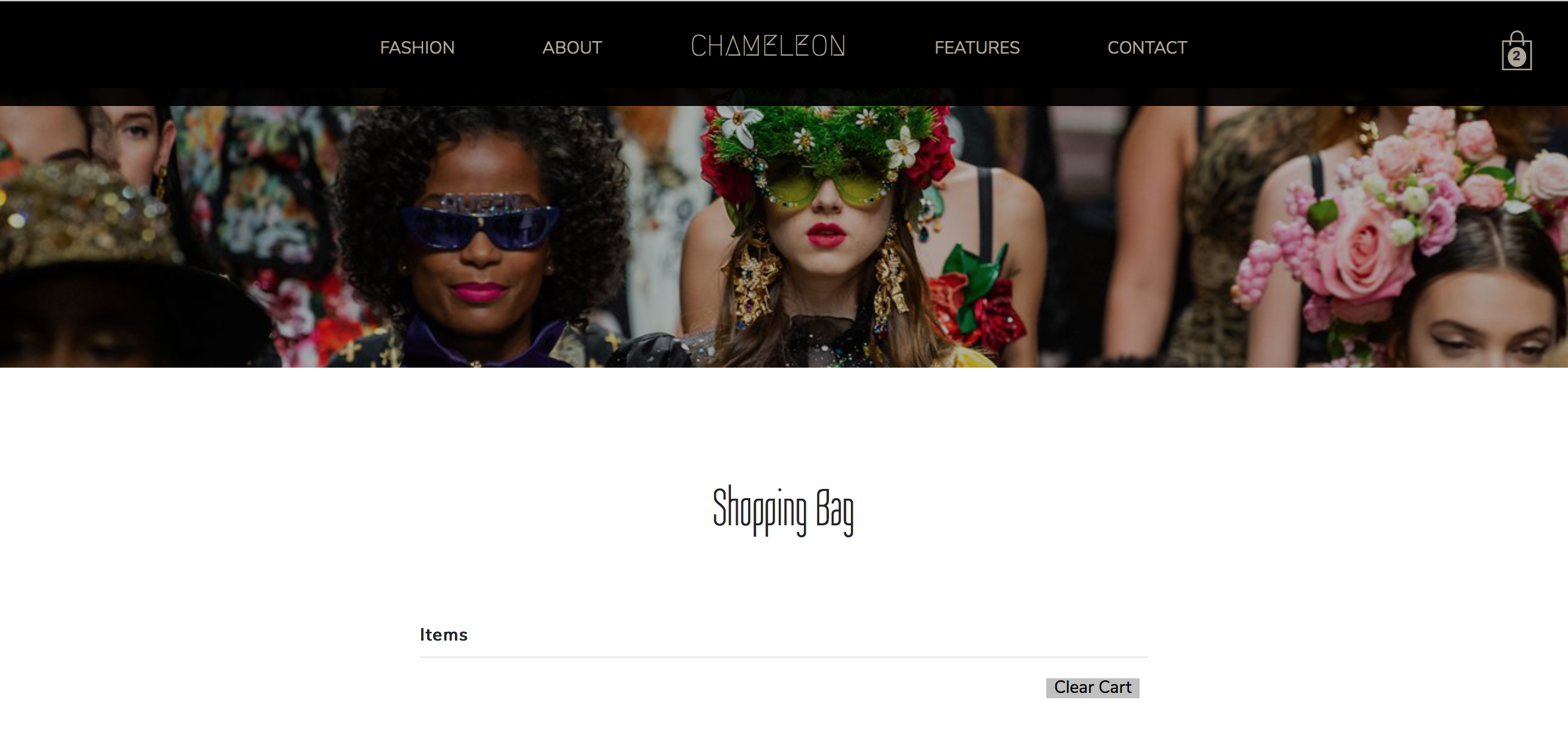
The following video shows how Javascript is used to both change the “count” within the shopping bag (located in the upper right of the top nav) as well as let users add, delete, and clear items.
Videos
The following videos show each page’s web and mobile view.

Video: Home Page
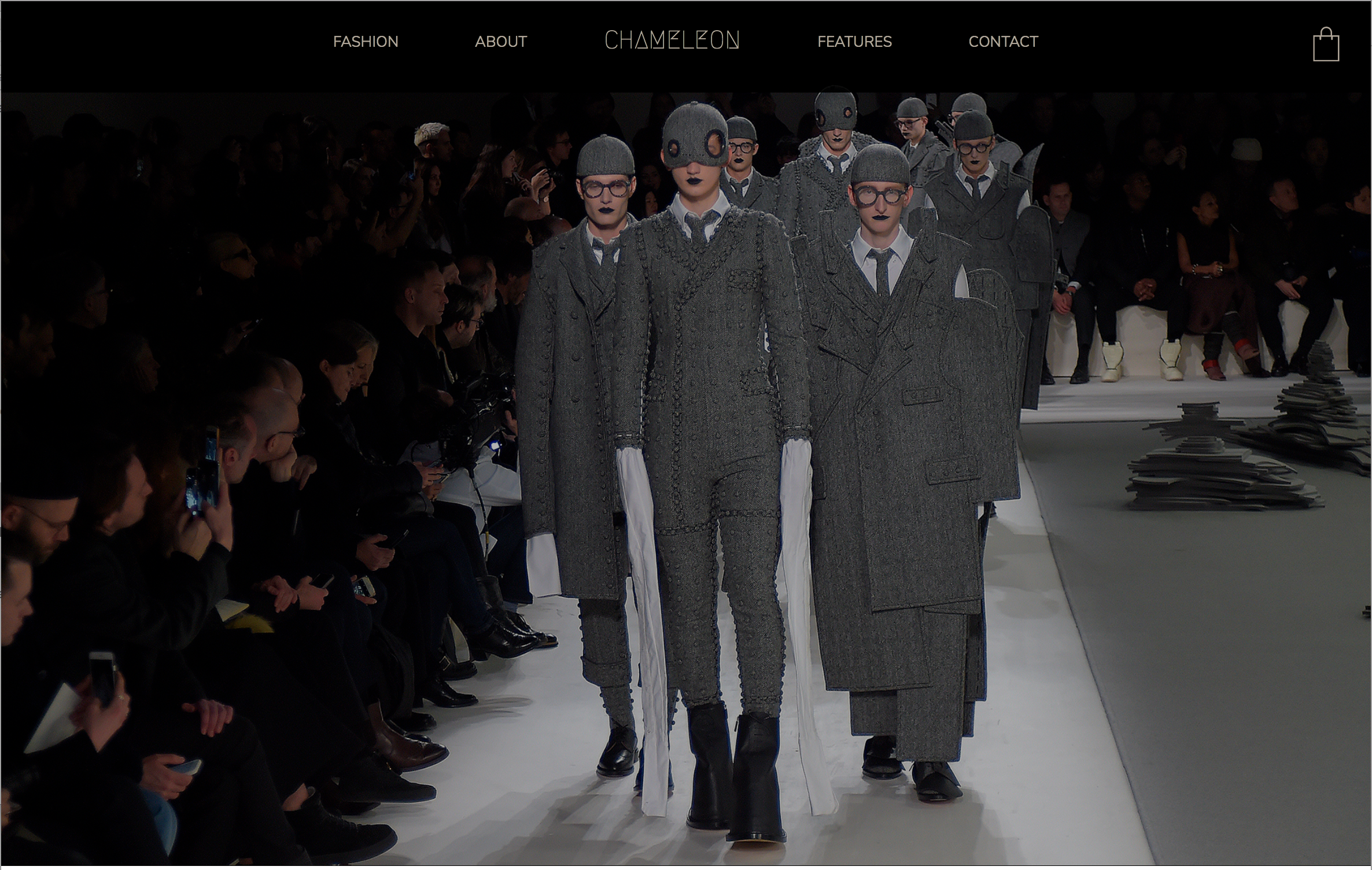
Video: Fashion Page
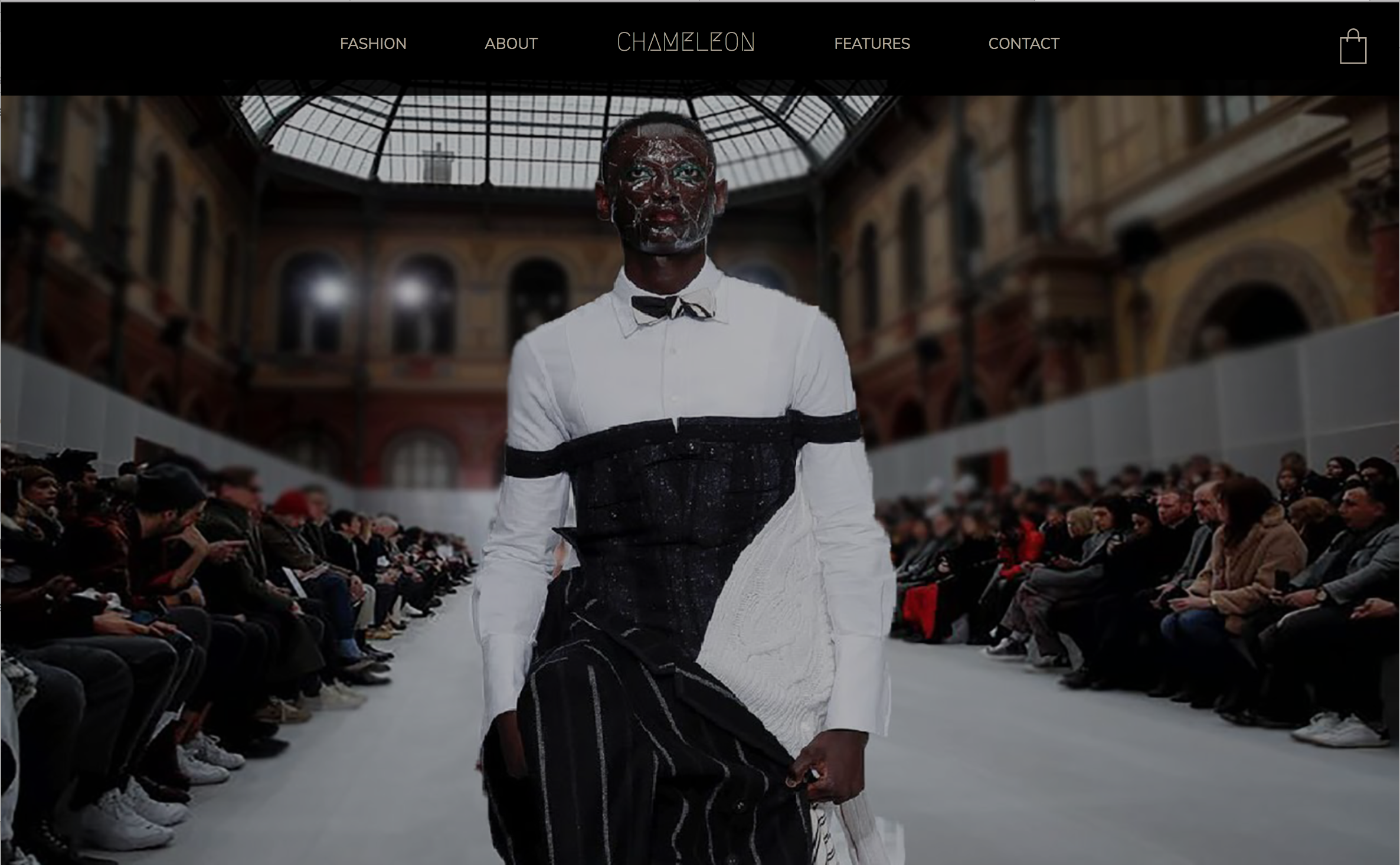
Video: About Page
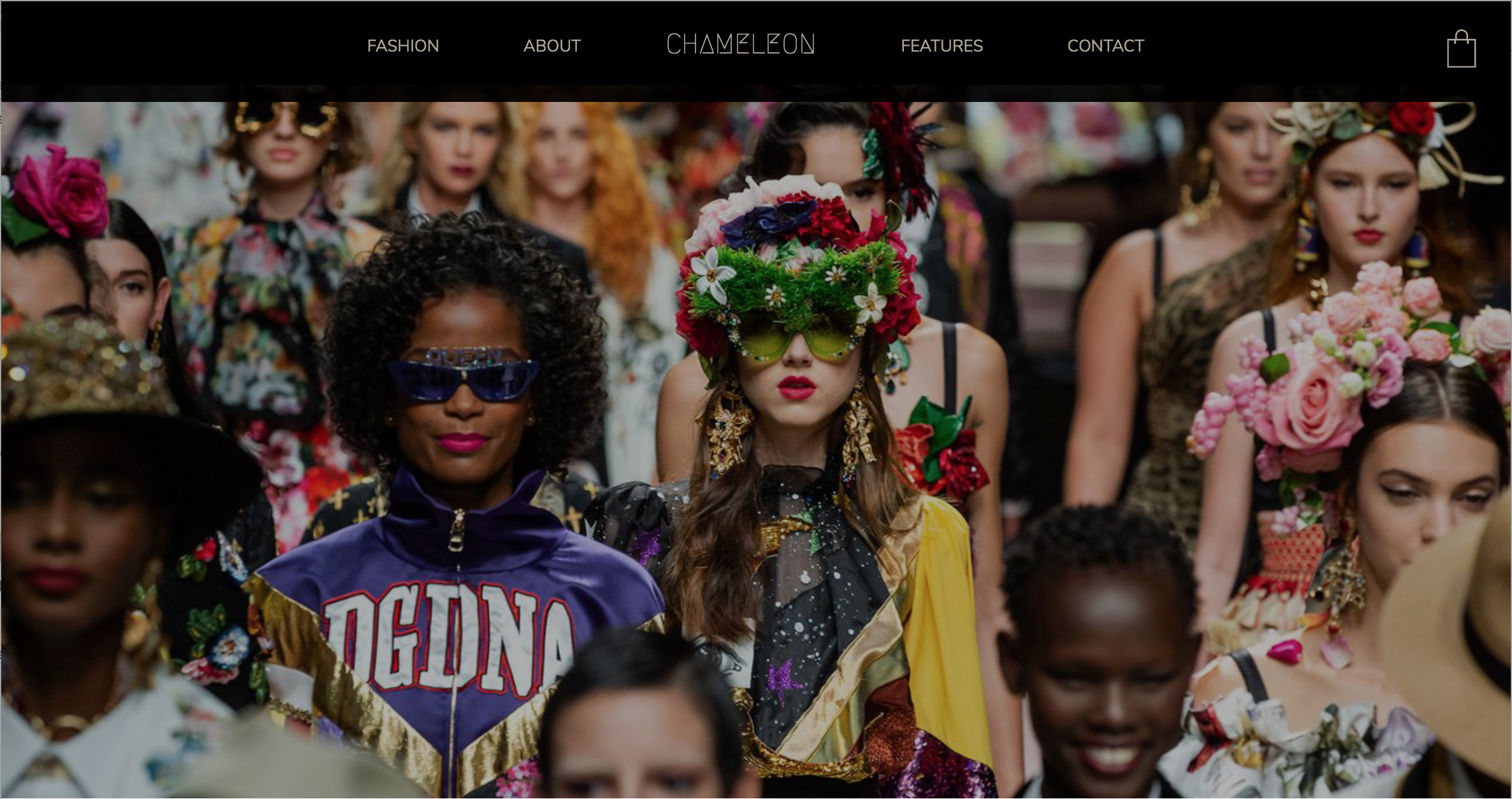
Video: Features Page
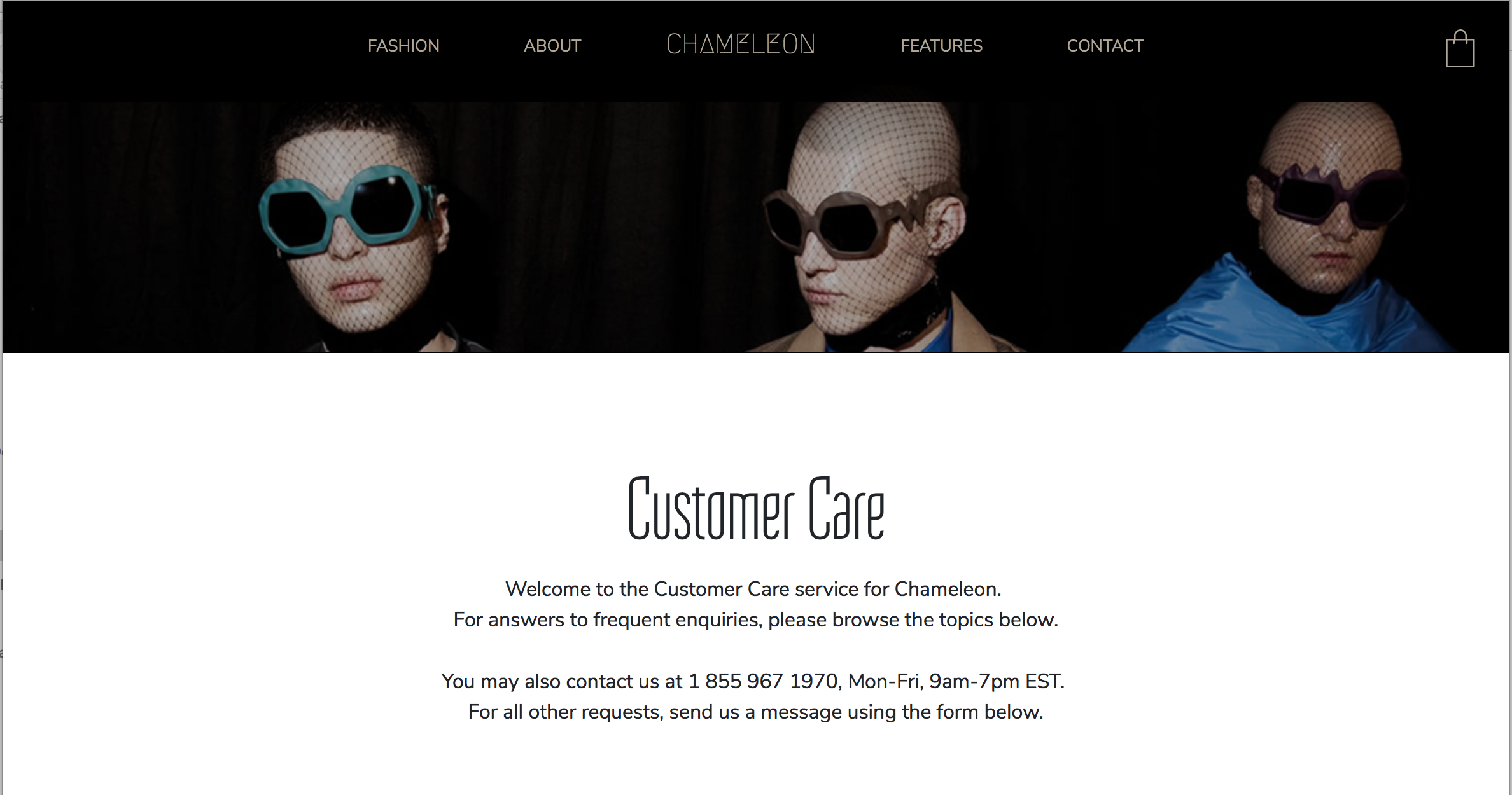
Video: Contact Page